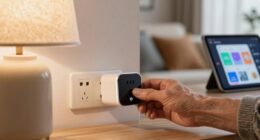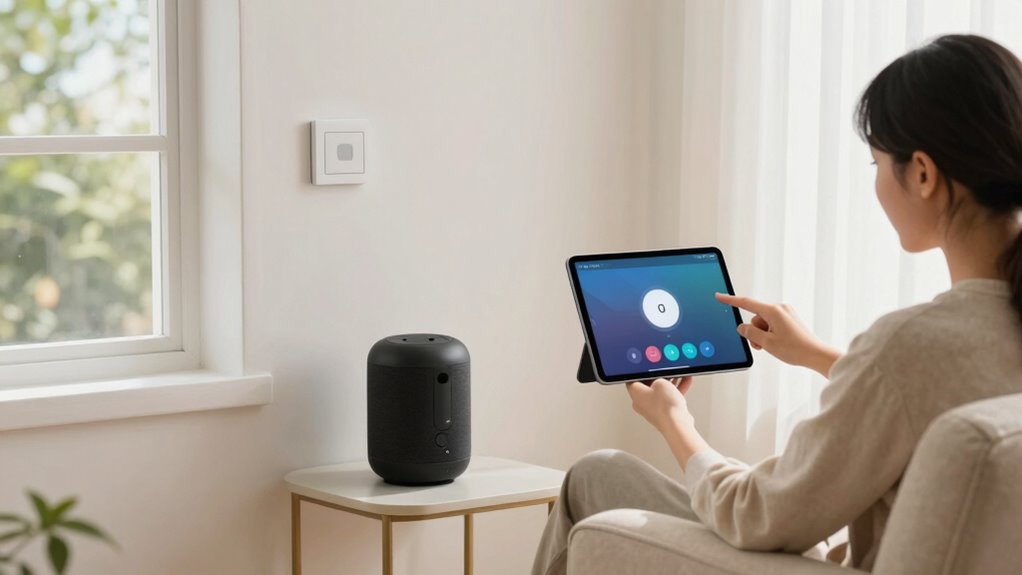

To build a low-complexity smart home for your parent, choose simple, user-friendly devices like voice assistants with clear interfaces and large buttons. Set up the system carefully, focusing on key areas like entrances and common spaces, and make controls accessible through voice commands or easy-to-reach switches. Teach your parent basic operations and privacy settings, and keep troubleshooting straightforward. If you continue exploring, you’ll find practical tips to make the setup safe, reliable, and easy to manage.
Key Takeaways
- Choose intuitive, user-friendly devices with simple setup and clear interfaces tailored to your parent’s needs.
- Limit automation routines to essential functions for straightforward control and minimize confusion.
- Incorporate voice control features for hands-free operation and ease of use.
- Place controls within easy reach, label them clearly, and enable accessibility features like large text and high contrast.
- Demonstrate basic device commands, explain privacy settings, and troubleshoot common issues together regularly.

Talking Clock for Blind Elderly with English Voice & Alarm – Easy-to-Use Voice Announced Time & Date Talking Watches for the Blind | Big Button Interface, High/Low Volume, Gift for Elderly Loved Ones
Easy One-Press Talking Alarm Clock: Designed for seniors and visually impaired, this talking clock for visually impaired clearly…
As an affiliate, we earn on qualifying purchases.
As an affiliate, we earn on qualifying purchases.
How to Choose Easy-to-Use Smart Devices for Your Parent
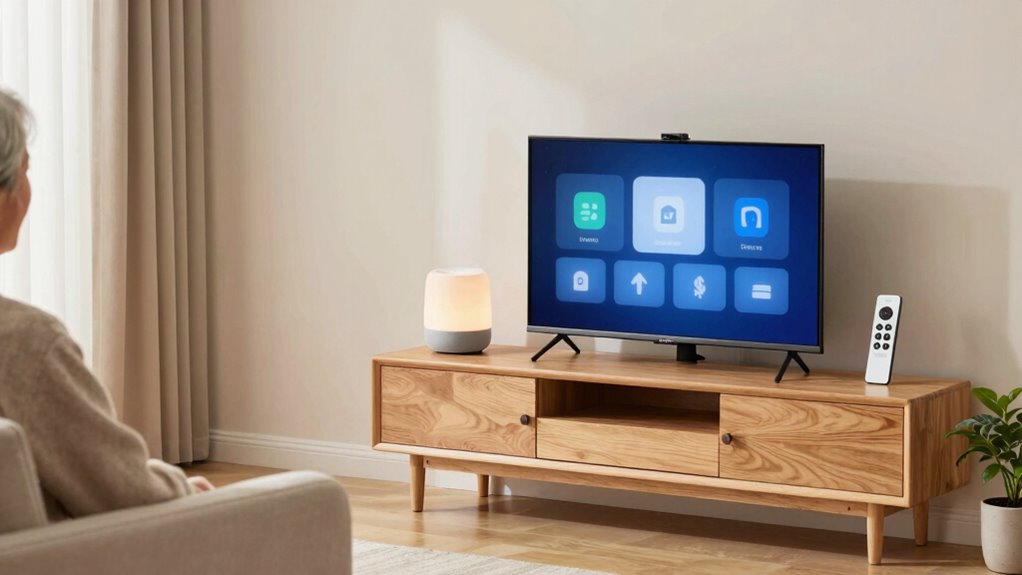
When selecting smart devices for your parent, prioritizing simplicity and ease of use is essential. Look for voice assistants that respond quickly and understand natural speech, making commands straightforward. Choose devices with minimal setup steps and clear interfaces, so your parent isn’t overwhelmed. Check that voice assistants have customizable privacy settings, allowing you to control what data is collected and shared. This helps safeguard their privacy while still offering helpful features. Avoid overly complicated gadgets with numerous features that might confuse them. Opt for devices with large buttons or simple touchscreens, and ensure they come with easy-to-follow instructions. The goal is to create a smart home that feels intuitive and secure, so your parent can enjoy the benefits without frustration. Incorporating privacy and security practices ensures that the smart home remains protected from potential threats while remaining user-friendly. Additionally, understanding home theatre projector features can help you choose devices that enhance entertainment options without adding complexity. Being aware of digital content options can also help tailor entertainment to your parent’s preferences, making the experience more enjoyable. To further simplify the setup process, consider using smart home hubs that centralize control of multiple devices for easier management. Furthermore, selecting devices with clear user interfaces can significantly reduce confusion and improve overall usability.

Wireless Zigbee Smart Button, 4-Way Remote Control Button Switch for Smart Home Devices, Scene Controller, Compatible with Tuya, Home Assistant, Homey, Hubitat, Requires Tuya Zigbee Hub
Seamless Wireless Control: Leverages Zigbee wireless technology for reliable remote control of compatible smart home devices and scenes….
As an affiliate, we earn on qualifying purchases.
As an affiliate, we earn on qualifying purchases.
Setting Up a Safe and Simple Smart Home System

Setting up a safe and simple smart home system begins with planning your layout carefully. Identify key areas like entrances, bedrooms, and common spaces to place security sensors. These sensors monitor movement, doors, and windows, alerting your parent to potential issues. Choose devices with voice control features, so they can easily operate lights, thermostats, or alarms hands-free. Keep controls straightforward by limiting the number of devices and automation routines. Test everything thoroughly to guarantee responses are quick and reliable. Prioritize safety by integrating security sensors that trigger alerts or lock doors automatically. Simplify daily routines with voice commands, reducing confusion or frustration. Proper planning ensures your parent’s environment remains secure, accessible, and stress-free, making their home truly smart and safe. Additionally, understanding sauna safety tips can help prevent heat-related health issues if your parent uses a sauna for relaxation. Incorporating reliable battery inverter generators can also ensure there’s a backup power source during outages, enhancing overall safety and convenience. Familiarizing yourself with emotional readiness can help address any concerns your parent may have about adapting to new technology, ensuring a smoother transition. Implementing privacy policies and managing cookies properly can further protect your loved one’s personal data and enhance their online experience.

WiFi Door Alarm System, Wireless DIY Smart Home Security System, with Phone APP Alert, 8 Pieces-Kit (Alarm Siren, Door Window Sensor, Remote), Work with Alexa, for House, Apartment, by tolviviov
WIFI Network: WIFI connection, Only works on 2.4GHz WiFi network, does NOT support 5GHz WiFi networks.
As an affiliate, we earn on qualifying purchases.
As an affiliate, we earn on qualifying purchases.
Making Smart Home Controls Easy and Accessible for Your Parent
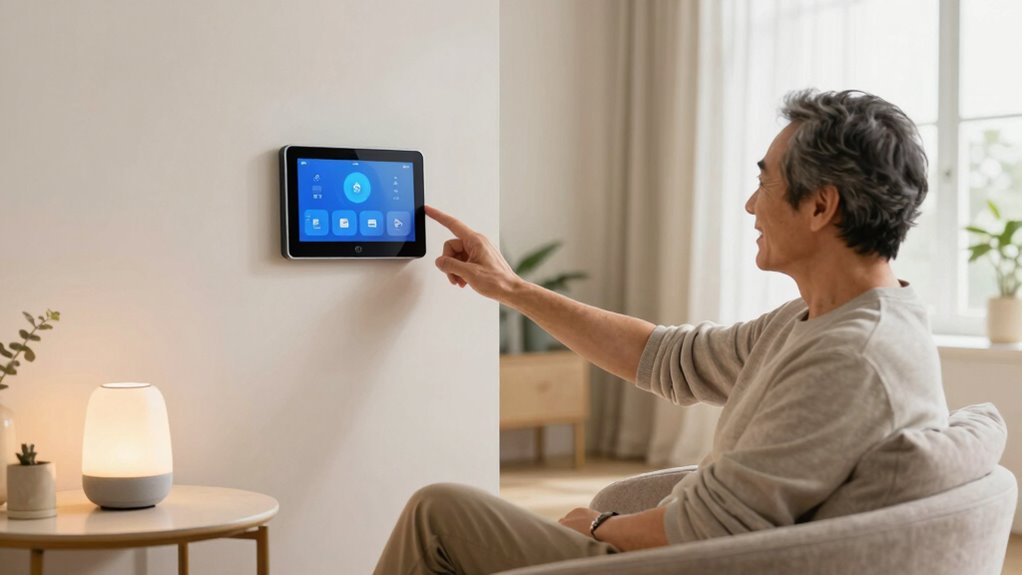
After establishing a safe and straightforward smart home system, the next step is to make its controls simple and accessible for your parent. Focus on minimizing confusion and promoting independence. Here are three ways to do that:
- Use voice commands to control devices, so your parent doesn’t have to navigate complex menus. Set up voice assistants like Alexa or Google Assistant for easy control.
- Enable accessibility features on devices and apps, such as larger text, high contrast, or simplified interfaces, to make interactions more user-friendly.
- Place controls within easy reach and label them clearly, reducing frustration and ensuring your parent can operate the system confidently without assistance.

Aeotec Smart Home Hub, Works as a SmartThings Hub, Z-Wave, Zigbee, Matter Gateway, Compatible with Alexa, Google Assistant, WiFi
Connect & control your smart home — Easily link thousands of compatible devices from leading brands to create…
As an affiliate, we earn on qualifying purchases.
As an affiliate, we earn on qualifying purchases.
How to Teach Your Parent About Their Smart Home Devices
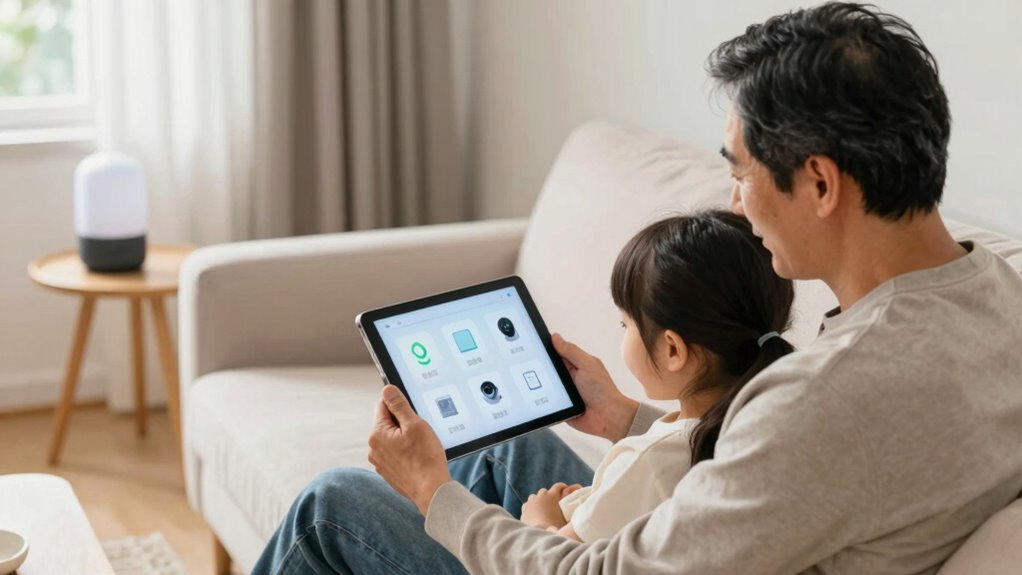
How can you effectively teach your parent to use their smart home devices? Start by demonstrating simple voice commands they can use daily, like asking the device to turn on lights or play music. Practice together so they become comfortable speaking naturally. Explain privacy settings clearly, emphasizing which data is shared and how to adjust these options to protect their privacy. Show them how to access and customize these settings easily, so they feel in control. Keep instructions straightforward and repetitive if needed, reinforcing their confidence. Avoid overwhelming them with technical jargon. Instead, focus on building familiarity step-by-step. With patience and clear guidance on voice commands and privacy controls, your parent will gain independence and feel more secure using their smart home devices.
Troubleshooting Common Smart Home Problems
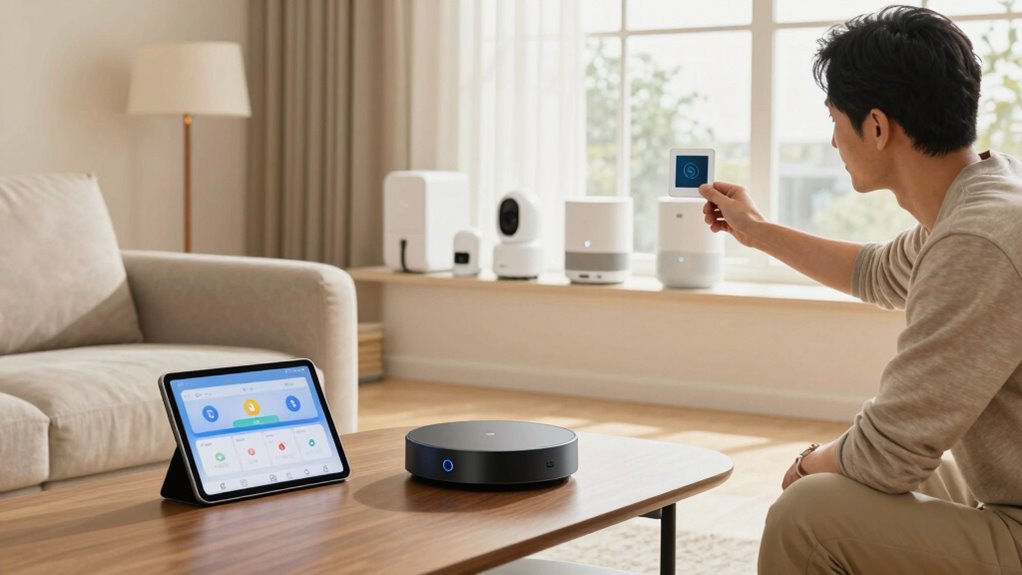
Are you often frustrated when your smart home devices don’t respond as expected? Troubleshooting common problems starts with simple steps. First, check device integration—ensure all devices are properly connected to your hub or app. Sometimes, a device loses connection or needs re-pairing. Second, verify your network security; a weak or compromised network can disrupt device communication. Restart your router if needed to refresh your connection. Third, update firmware and app versions regularly, as outdated software can cause compatibility issues. Keeping these areas in check helps maintain a smooth smart home experience. Additionally, consider smart home safety features to prevent potential hazards from affecting device performance. Also, inspecting your security devices such as smart locks can help identify vulnerabilities before they become issues. Regularly monitoring device performance can help you catch issues early and ensure everything runs smoothly. It’s also helpful to understand network stability principles to better troubleshoot connectivity problems. By focusing on device integration, network security, and updates, you can quickly identify and resolve issues, ensuring your smart home runs reliably for your parent’s convenience. Moreover, understanding spirituality insights can foster a more mindful and balanced approach to managing your home environment.
Frequently Asked Questions
What Are the Best Budget-Friendly Smart Home Options for Seniors?
You should look for budget-friendly solutions like smart plugs, which are compatible with many devices and easy to use. Consider voice-controlled assistants like Amazon Alexa or Google Assistant, ensuring their compatibility with existing devices. These options are affordable, simple, and enhance safety and convenience for seniors. Focus on devices that require minimal setup and are compatible with each other to create a seamless, low-maintenance smart home environment.
How Can I Ensure My Parent’s Privacy With Smart Home Devices?
A stitch in time saves nine, so start by choosing smart home devices with strong privacy policies. You can guarantee your parent’s privacy concerns are addressed by setting up secure Wi-Fi networks and enabling device encryption. Regularly update firmware to protect against data security breaches. Limit data sharing and control who can access devices. Educate your parent on privacy settings, so they feel confident and secure in their smart home environment.
Are There Any Smart Home Devices Specifically Designed for Elderly Safety?
Yes, there are smart home devices designed for elderly safety that use voice control and emergency alerts. Devices like voice-activated emergency call buttons or smart speakers with integrated emergency systems allow your parent to summon help easily. These devices enable your parent to control lights, locks, and appliances via voice commands, providing independence and safety. Emergency alerts automatically notify caregivers or emergency services if needed, ensuring prompt assistance.
How Often Should I Update or Replace Smart Home Equipment?
Think of your smart home devices as a garden needing regular care. You should update or replace equipment every 1-2 years to guarantee device compatibility and security. Firmware updates act like watering, keeping devices healthy and functional. Regularly checking for updates and replacing outdated gear prevents glitches and security risks, so your home stays safe and responsive for your parent’s needs. Staying current maintains harmony in your smart living environment.
What Are the Signs That My Parent Needs More Advanced Smart Home Features?
If your parent struggles with voice control or frequently requests help with basic devices, it’s time to consider more advanced smart home features. Signs include difficulty managing security monitoring systems, inconsistent device performance, or safety concerns like missed alerts. Upgrading to more sophisticated voice control options and all-encompassing security setups can enhance independence and peace of mind. Observe their daily interactions to determine if these enhancements improve their comfort and safety.
Conclusion
Building a low-complexity smart home for your parent is like planting a seed of independence that grows stronger with each simple step. By choosing easy-to-use devices, creating a safe environment, and offering gentle guidance, you’re empowering them to navigate technology confidently. Remember, patience is the root, and your support is the sunshine. Together, you’re turning an intimidating task into a nurturing garden of comfort and connection—making their home a haven where technology feels like a warm embrace.