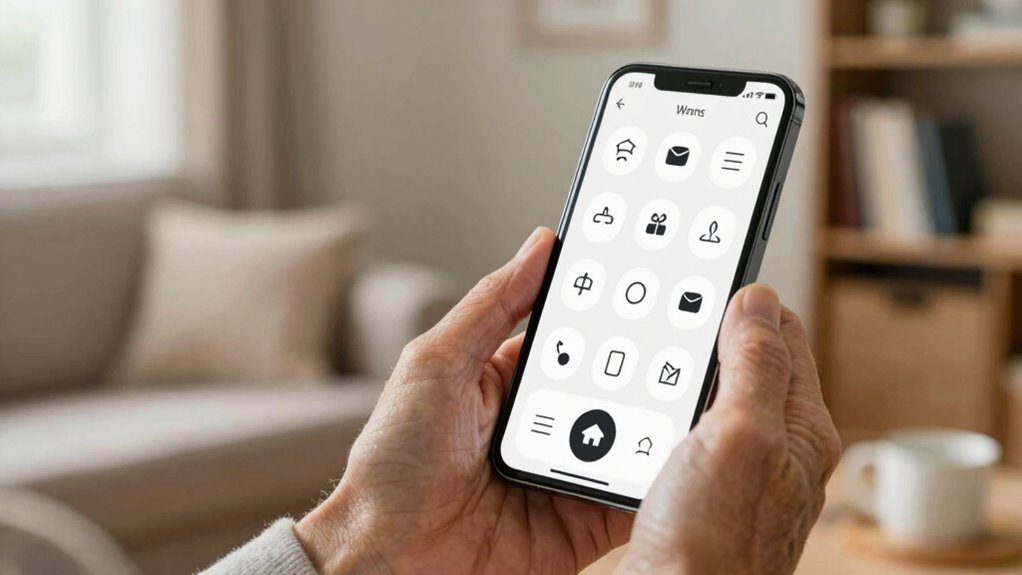

To make a phone easier for older adults to use, focus on larger displays with big icons and clear text for better visibility. Simplify menus and include straightforward controls. Prioritize good audio with noise reduction and amplification features to improve call clarity. Physical buttons and easy-to-access emergency features add safety and convenience. Ergonomic design elements reduce strain, while customizable options enhance comfort. Keep exploring to discover how choosing the right device can support independence and confidence.

Turn quiet afternoons into listening time
- Thousands of audiobooks, podcasts and originals
- Listen on your phone, tablet or Echo — also offline
- Cancel anytime
Key Takeaways
- Larger screens and icons improve readability and reduce eye strain.
- Simplified interfaces with clear icons and straightforward menus minimize confusion.
- Voice commands and audio features enhance hands-free use and communication clarity.
- Ergonomic design and textured grips increase comfort and reduce hand fatigue.
- Emergency buttons and accessible alerts promote safety and quick assistance.
smartphones for seniors with large display
As an affiliate, we earn on qualifying purchases.
As an affiliate, we earn on qualifying purchases.
What Challenges Do Seniors Face With Smartphones?

Many seniors find smartphones challenging because small screens, tiny buttons, and complex menus can be overwhelming. Finding their way through tech innovations can feel confusing, especially if you’re not familiar with new features or updates. Battery longevity also poses a problem, as frequent charging disrupts daily use and causes frustration. You might worry about running out of power at the worst moments, which discourages regular use. Additionally, tiny icons and text make it hard to see and select options accurately. These challenges can lead to feelings of frustration or reliance on others. Understanding these obstacles helps in choosing phones that address these issues, making technology more accessible and less intimidating for older adults. Display technology improvements, such as larger screens and clearer interfaces, can significantly enhance usability. Recognizing the importance of user-friendly design can make a substantial difference in how seniors interact with their devices. Incorporating accessible features tailored to seniors’ needs can further improve their overall experience. For instance, adaptive interfaces can automatically adjust settings to better suit their preferences and abilities, which is especially important given the evolving gold IRA markets and investment options available to the general public.
Why Large Displays Make Phones Easier for Seniors

Large displays make phones easier for you to read without straining your eyes. They also simplify navigation, so you can find what you need faster. With bigger screens, using your phone becomes more comfortable and less frustrating. Additionally, larger screens can enhance personal finance planning by making it easier to access and manage your financial tools and resources on your device. Incorporating landscaping elements into your phone setup, such as organized apps and visual cues, can further improve ease of use.
Improved Readability
Have you ever struggled to read small text on a phone screen? Larger displays naturally improve readability, but adjusting font size and text contrast makes a substantial difference. When font size is increased, you don’t have to squint or bring the phone closer, reducing eye strain. High contrast between text and background enhances clarity, making words pop and easier to decipher. Many smartphones let you customize these settings effortlessly, ensuring content is legible without effort. Clear, bold text combined with the right contrast helps you quickly understand messages, menus, and notifications. This simple adjustment can considerably boost confidence and independence, making everyday phone use more comfortable and less frustrating. Understanding user accessibility features is crucial for tailoring devices to meet individual needs. Improved readability is a key factor in making smartphones truly accessible for older adults.
Easier Navigation
When steering a small screen can feel overwhelming or confusing, having a larger display makes a significant difference. A bigger screen simplifies navigation by making icons, buttons, and menus easier to see and tap accurately. You can quickly access voice commands, reducing the need to navigate complex menus manually. Larger displays also make it easier to read text and follow on-screen instructions, enhancing confidence while using the phone. Emergency features become more accessible on bigger screens, allowing you to quickly activate essential functions when needed. Using large display technology can further improve overall usability for seniors. Additionally, the familiarity of visual clarity from larger screens can reduce the learning curve for new users. A horsepower of the device, such as a faster processor, can also contribute to smoother operation and quicker response times, making the experience more intuitive. Incorporating user-friendly design principles can further enhance the accessibility and comfort of using a smartphone. Clear and consistent interface design helps prevent confusion and supports easier navigation for older adults. Overall, a larger display minimizes frustration, helps you find what you need faster, and supports safer, more confident phone use. This straightforward navigation helps you stay connected and independent with less effort.
How Simplified Interfaces Help Older Adults Stay Connected
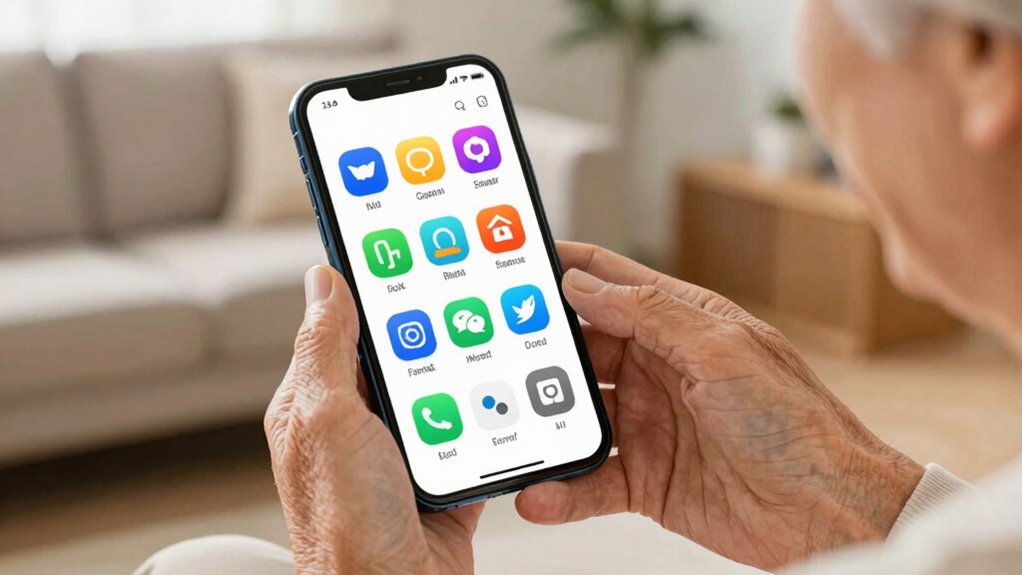
Simplified interfaces make it easier for older adults to stay connected by removing unnecessary complexity and focusing on essential functions. With clear icons and straightforward menus, you can quickly find what you need without frustration. Voice commands add another layer of simplicity, allowing you to call loved ones or send messages hands-free. This feature is especially helpful if you find tapping small buttons difficult. Additionally, simplified interfaces often include easy-to-access emergency alerts, so you can quickly notify someone if you need help. These alerts are usually prominent and easy to activate, providing peace of mind. Incorporating user-friendly design into daily routines can also help reduce stress and promote relaxation, indirectly supporting better focus and communication. To ensure these interfaces are secure and trustworthy, employing enterprise governance measures can help protect your personal information and maintain privacy. Considering transaction security practices can further enhance confidence in digital interactions, especially for those less familiar with technology. Overall, a streamlined interface helps you stay connected effortlessly, making communication more reliable and less stressful.
What Audio Features Improve Call Clarity for Seniors?
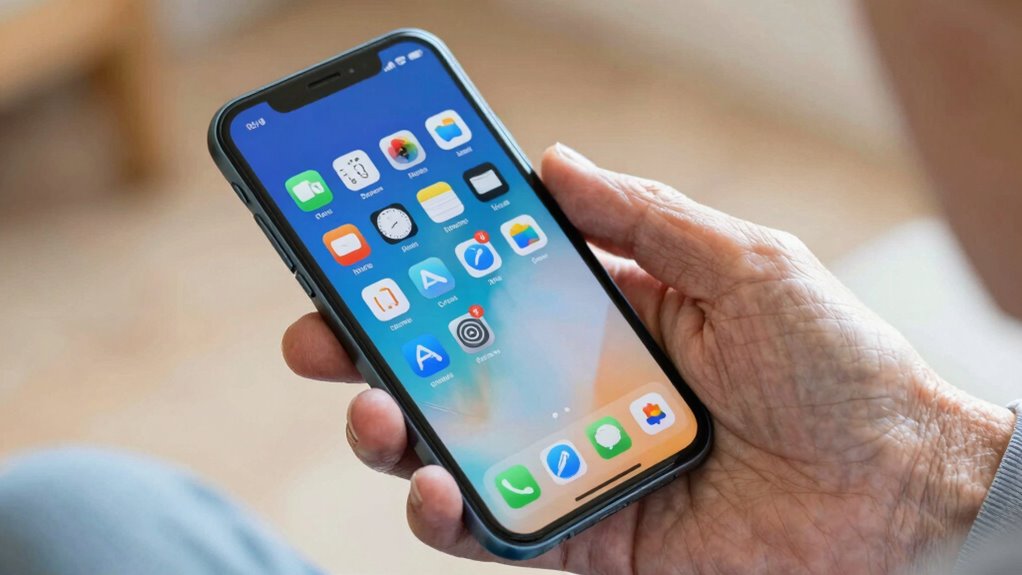
What audio features make phone calls clearer for seniors? These features notably enhance call clarity by addressing common hearing challenges. Voice amplification boosts the speaker’s voice, making it easier to understand without straining. Background noise reduction filters out surrounding sounds, minimizing distractions and improving focus on the call. Additionally, dryer balls and bedding tips can indirectly improve comfort during calls by creating a more relaxing environment. Understanding the structure of nails and their growth patterns can inspire innovations in device ergonomics, making phones easier to hold and operate for older adults. Considering ventilation and safe use guidelines in device design can also contribute to a more comfortable and accessible experience. Incorporating security zone info and other reliable features from top-rated systems can further enhance user confidence and safety during communication. Understanding the challenges of molecular-scale circuits in nanotech fabrication can inspire innovative solutions for improved audio technology in the future. These features work together to create a more accessible calling experience. By emphasizing clear communication, seniors can stay connected with confidence and ease.
Are Physical Buttons and Easy Controls Important?
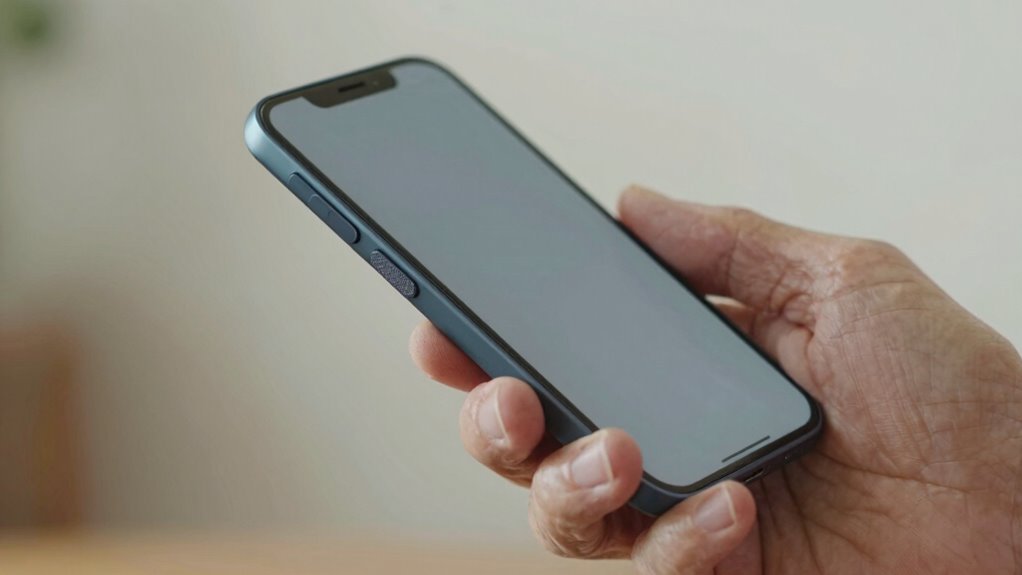
Physical buttons and simple controls are essential features for making phones easier for older adults to use. Physical buttons provide tactile feedback, helping you feel confident when dialing or orienting yourself without needing to see the screen. Easy-to-press buttons reduce frustration and minimize accidental presses. Voice commands are also valuable, allowing you to operate your phone hands-free, make calls, or send texts without fumbling with small controls. Clear, well-placed buttons combined with voice command capabilities make the device more accessible and less intimidating. These features guarantee you can quickly and comfortably access essential functions, especially if vision or dexterity is limited. Incorporating user privacy and cookies can also encourage older users to explore and become more comfortable with their devices. Overall, physical buttons and easy controls are critical for creating a user-friendly experience for older adults.
Which Design Elements Reduce Strain and Boost Comfort?
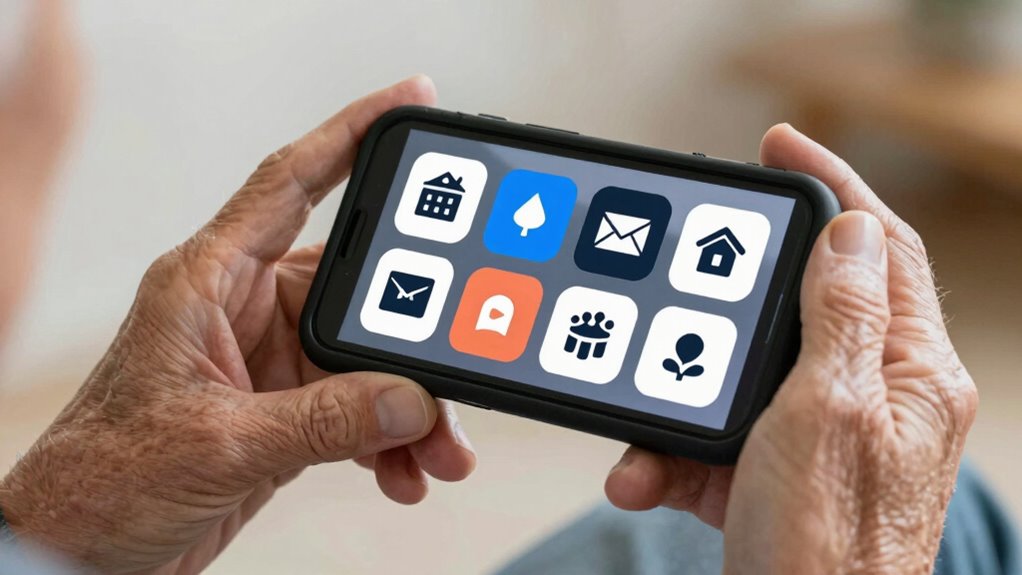
To reduce strain and boost comfort, thoughtful design elements focus on making the phone easier on your eyes, hands, and overall posture. An ergonomic grip ensures you hold the phone comfortably for longer periods, reducing hand fatigue. Look for phones with textured or contoured edges that fit naturally in your hand. Visual contrast is also vital; high-contrast screens and bold icons help you see content more clearly, minimizing eye strain. Larger buttons and readable fonts further ease navigation. These features work together to create a more comfortable experience, especially if you spend a lot of time using your device. By prioritizing ergonomic grip and visual contrast, you can enjoy a phone designed to support your comfort and reduce physical stress.
How Customization and Accessibility Settings Make Phones Better for Seniors?

Since everyone’s needs and preferences vary, customizing your phone and adjusting accessibility settings can make a big difference in how easy it is to use. Adaptive technology, like larger text or high-contrast displays, helps you see and read more comfortably. You can also enable features like voice command, which allows you to operate your phone hands-free, reducing the need for precise touch. These settings can be tailored to suit your specific needs, making it easier to navigate, communicate, and stay connected. Many phones also offer simplified interfaces or shortcut options, further enhancing usability. By taking advantage of these customization options, you can create a more accessible and user-friendly experience, helping you stay independent and confident in using your device.
Which Brands Offer the Best Senior-Friendly Phones?

Many brands design phones with user-friendly interfaces, making them easier to navigate. They also focus on simple design features and large, clear displays to improve visibility. These features help you stay connected without frustration or confusion.
User-Friendly Interfaces
When choosing a senior-friendly phone, the user interface plays a crucial role in ensuring ease of use. Brands like Jitterbug, Samsung, and Apple excel with intuitive interfaces. Look for clear menus and large icons that reduce confusion. Voice recognition simplifies calling and messaging, especially for those with limited dexterity. Emergency features, such as quick-access buttons and alerts, are essential for safety. A straightforward interface helps you navigate daily tasks effortlessly.
| Brand | Voice Recognition | Emergency Features |
|---|---|---|
| Jitterbug | Yes | One-touch emergency |
| Samsung | Yes | SOS alerts |
| Apple | Yes | Emergency SOS |
Simple Design Features
If you’re looking for a senior-friendly phone, paying attention to simple design features can make a big difference. Look for devices that support voice commands, making it easier to dial numbers or ask for help without fiddling with buttons. Clear, accessible buttons for essential functions help avoid confusion and frustration. Emergency features are crucial—choose phones with dedicated emergency buttons or quick-dial options for emergency contacts. Many brands, such as Jitterbug and Doro, prioritize these simple design elements, offering straightforward layouts and intuitive controls. These features ensure seniors can use their phones confidently and safely, especially in urgent situations. Prioritizing simple design features helps make technology more accessible and enhances the overall user experience for older adults.
Clear, Large Displays
A clear, large display is essential for making smartphones user-friendly for older adults. You need screens that are easy to see, with high screen brightness for outdoor use and sharp contrast. Larger icons and text help reduce eye strain and make navigation simpler. Brands like Jitterbug and Apple offer phones with big, bright screens designed for seniors. These devices often feature adjustable display settings to optimize visibility and conserve battery longevity, so your phone stays readable longer without draining power. Look for models that balance screen clarity with battery efficiency, ensuring you don’t have to charge constantly. A well-designed large display not only improves readability but also boosts confidence when using your phone daily. Brands focusing on senior-friendly features make a real difference in usability.
How to Pick the Perfect Phone for Your Loved One’s Needs

Choosing the right phone for your loved one starts with understanding their specific needs and daily routines. Consider their comfort with technology adoption and whether they prefer simple features or more advanced options. Family training can help ease progressions and guarantee they feel confident using the device. To guide your choice, compare options based on key features:
| Feature | Suitable for Older Adults | Notes |
|---|---|---|
| Display Size | Larger screens | Easier to see and read |
| User Interface | Simple, intuitive | Minimizes confusion |
| Hearing Assistance | Hearing aid compatibility | Enhances audio clarity |
| Battery Life | Long-lasting | Reduces charging frequency |
Matching these features to your loved one’s needs ensures they stay connected comfortably.
Frequently Asked Questions
How Can I Ensure a Phone Is Truly User-Friendly for Seniors?
To guarantee a phone is truly user-friendly for seniors, focus on its user interface and ease of use. Choose a device with large, clear icons and simple menus. Avoid complex features, and opt for customizable settings that simplify navigation. Test the phone yourself, making sure it’s intuitive and accessible. You want your loved ones to feel confident and independent using the device, so prioritize design elements that cater to their needs.
Are There Specific Safety Features That Help Older Adults?
Yes, safety features like emergency buttons are crucial, allowing you to quickly call for help if needed. Voice commands also play a significant role, enabling you to operate your phone easily without complex navigation. These features give you peace of mind, making it simpler and safer to stay connected and protected. Look for phones that prioritize these safety options to guarantee you’re always able to get assistance when necessary.
What Training or Support Is Recommended for Seniors New to Smartphones?
You should encourage seniors to attend tech workshops tailored for beginners, which build their confidence and understanding of smartphones. Peer support is also invaluable; connecting with other seniors helps them share tips and troubleshoot issues together. Providing ongoing, simple guidance and patience makes a big difference. These approaches guarantee they feel more comfortable and capable, making their smartphone experience more enjoyable and less intimidating.
Can Senior-Friendly Phones Connect to Health Monitoring Devices?
Yes, senior-friendly phones can connect to health monitoring devices, but compatibility concerns are key. You should check if the phone supports Bluetooth or specific apps required for your health devices. Technology integration varies among models, so choose one designed for easy connectivity. Ensuring your phone can sync seamlessly with your health tools helps you stay informed and manage your health more effectively.
How Do Pricing and Affordability Impact Accessibility for Seniors?
Pricing and affordability are like a bridge to technology for seniors. If you pick affordable plans and budget-friendly options, you make it easier for them to stay connected. When costs are reasonable, seniors are more likely to access essential features without stress. This inclusivity helps them maintain independence and social bonds. Ultimately, affordable options open doors, ensuring older adults can enjoy the benefits of modern communication tools without financial strain.
Conclusion
Choosing a phone that suits your loved one’s needs can make a huge difference in their daily life. With over 80% of seniors saying that easy-to-use devices help them stay connected, it’s clear that thoughtful design matters. By prioritizing large displays, simple interfaces, and clear audio features, you can help your loved one enjoy greater independence and confidence. A well-chosen phone truly bridges the gap, making communication simpler and more enjoyable for seniors.
Halloween Picks
halloween
As an affiliate, we earn on qualifying purchases.