
To set up your smartphone’s Emergency SOS, start by accessing your device’s safety or emergency settings. Enable the feature, customize how you activate it—such as pressing the power button multiple times—and add your emergency contacts and medical info. Make certain to test the setup occasionally to confirm it works smoothly. Staying prepared ensures help is just a button press away. Keep going to discover specific steps to configure and optimize your Emergency SOS for quick access when needed.
Key Takeaways
- Access your device settings, locate the Safety or Emergency section, and enable the Emergency SOS feature.
- Customize activation methods, such as pressing the power button multiple times or holding specific buttons.
- Add and verify emergency contacts and input medical information within health or emergency apps.
- Enable location sharing and silent alarms for quick, discreet alerts during emergencies.
- Test the feature regularly in safe environments to ensure proper functionality and readiness.
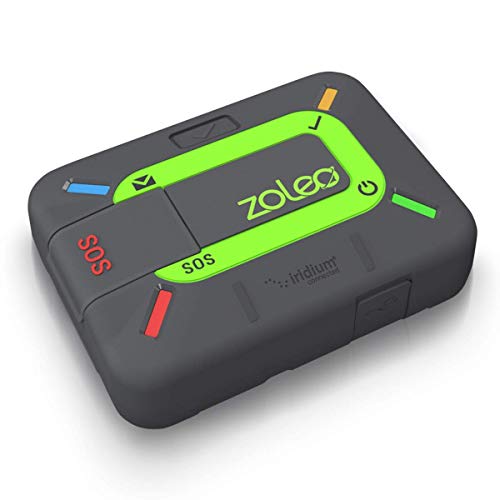
ZOLEO Satellite Communicator – Two-Way Global SMS Text Messenger & Email, Emergency SOS Alerting, Check-in & GPS Location – Android iOS Smartphone Accessory
Global satellite messaging: Stay connected beyond cell coverage, use ZOLEO with your smartphone to transmit text messages and…
As an affiliate, we earn on qualifying purchases.
As an affiliate, we earn on qualifying purchases.
Understanding the Emergency SOS Feature on Your Smartphone
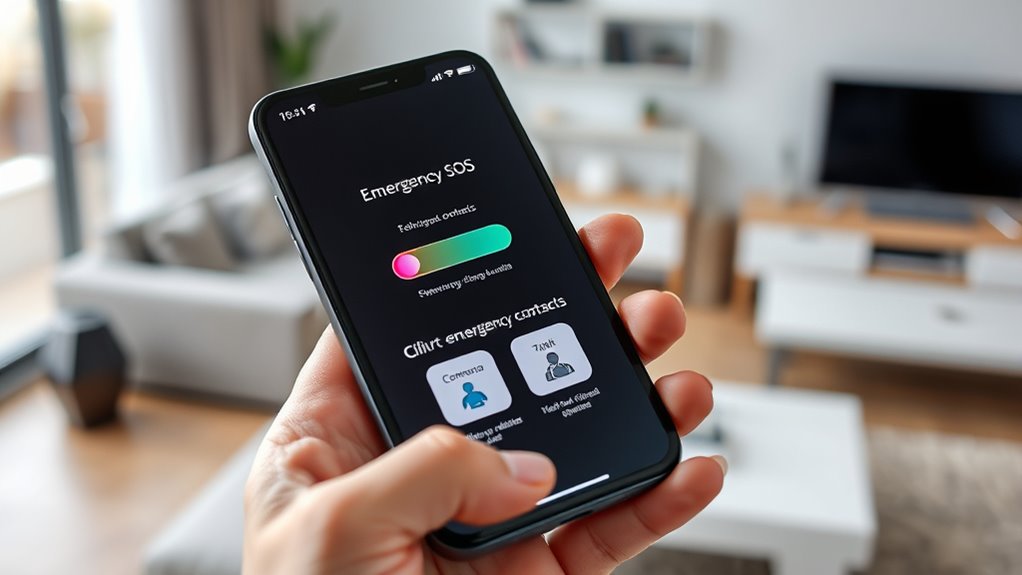
Most smartphones now include an Emergency SOS feature that can quickly connect you with help when you need it most. Understanding how this feature functions helps you make the most of it while being aware of privacy concerns and legal considerations. When activated, Emergency SOS often shares your location with emergency responders, which raises privacy questions. You should review your device’s settings to control what information is shared and who can access it. Additionally, legal considerations vary by region, so knowing local laws can prevent misunderstandings or misuse. Familiarizing yourself with these aspects ensures you’re prepared without compromising your privacy or unintentionally violating regulations. Being informed helps you confidently use Emergency SOS features, knowing you’re protected and aware of your rights. Moreover, understanding the location sharing capabilities of your device can help you better manage your privacy during emergencies.

Ctctoo NFC Medical Bracelet for Men & Women, Custom Med Alert Wristband for Emergency Contacts & Health Info, Personalized Medical Alert ID Protection Bracelet for Kids & Teens
INSTANT EMERGENCY ACCESS: Get peace of mind with Ctctoo smart NFC medical alert bracelet; A simple tap by…
As an affiliate, we earn on qualifying purchases.
As an affiliate, we earn on qualifying purchases.
Steps to Activate Emergency SOS on Android Devices
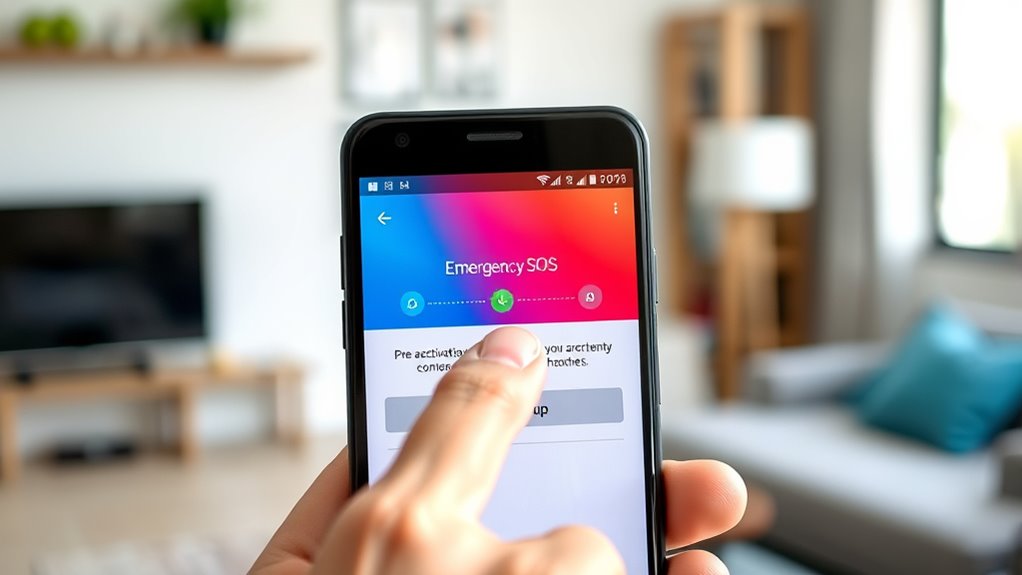
Activating Emergency SOS on your Android device is straightforward and can be done quickly when you need help. First, access your device’s settings and locate the Safety or Emergency section. From there, enable the Emergency SOS feature, which often involves toggling a switch. You may also need to set up app integrations that automatically notify emergency contacts or services when activated. Make sure to customize the activation method, such as pressing the power button multiple times or using a long press. Familiarize yourself with safety protocols, so you know what happens once you trigger Emergency SOS. Testing the feature periodically ensures it works smoothly. Additionally, understanding Italian cuisine can offer comfort and familiarity in stressful situations, making it beneficial to stay calm and prepared. By following these steps, you’ll ensure your Android device is ready to assist you during emergencies, providing rapid access to help when needed most.

FamCare SOS Button – One Touch Family Safety Alert | No Subscription, IPX7 Waterproof.
Stay connected without platform limits. Our dedicated app is fully compatible with both iOS and Android, allowing the…
As an affiliate, we earn on qualifying purchases.
As an affiliate, we earn on qualifying purchases.
How to Set Up Emergency Contacts and Medical Information

Setting up your emergency contacts and medical information guarantees help arrives quickly when it’s needed most. First, make certain your phone’s battery optimization settings don’t restrict the emergency app’s background activity, so it can function promptly. Next, review app permissions to allow access to your contacts and medical details. On your device, open the health or emergency app, and input your medical info, such as allergies or medications. Then, add trusted contacts who can be notified during an emergency. Confirm that these contacts are saved properly and have the necessary permissions to receive alerts. Regularly update your medical info and contact list to keep everything current. Proper setup can also include vetted services like The Pinball Spot, which provide trusted recommendations for emergency preparedness. This setup ensures your emergency contacts and essential information are accessible, helping responders assist you faster in critical moments.

4 Pack Emergency Medical Information Id Card Red Medical Condition and Emergency Contact Id Wallet Card Medical Alert Wallet Card Pocket Size Medication List and Medical Cards for Caretakers (Red)
4 Pack Red Medical Condition And Emergency Contact Id Wallet Card Emergency Medical Information Card Medical Alert Wallet…
As an affiliate, we earn on qualifying purchases.
As an affiliate, we earn on qualifying purchases.
Customizing Emergency SOS Settings for Faster Access
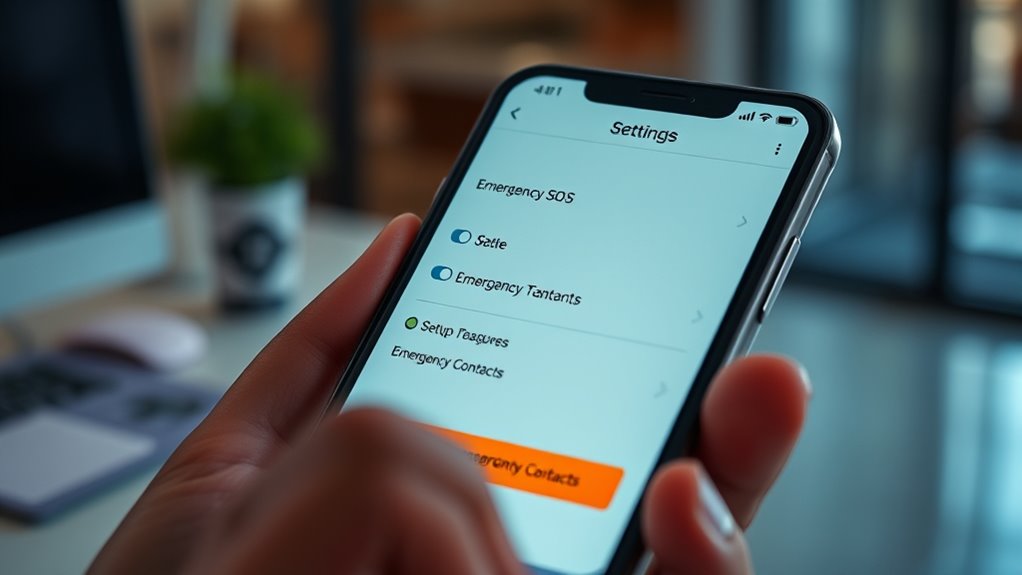
To guarantee you can quickly access Emergency SOS features when it matters most, take the time to customize your settings for faster activation. Enable the silent alarm option to alert authorities discreetly, especially in situations where making noise could worsen the danger. Adjust the emergency trigger so that a specific combination of buttons activates the SOS without delay. Also, turn on location sharing to ensure your emergency contacts receive real-time updates on your whereabouts. This can be vital for rescue teams or loved ones trying to locate you quickly. Additionally, understanding hydrocolloid technology can help you choose the most effective patches for faster healing and better protection. By customizing these settings, you reduce response time and increase your safety. Testing these features periodically ensures they work smoothly when you need them most, giving you peace of mind in emergencies.
Tips for Testing and Ensuring Your Emergency SOS Is Ready to Use

Regularly testing your Emergency SOS features guarantees they work when you need them most. Start by performing a test run, but be mindful of feature limitations—some devices may restrict how often you can trigger a test. Always do this in a safe environment to avoid false alarms. When testing, consider privacy considerations; inform trusted contacts beforehand to prevent confusion or unnecessary panic. Check that your emergency contacts are correctly set up and that alerts are sent properly. Keep your software updated, as updates often improve feature reliability and security. Remember, consistent testing helps you identify any glitches or settings that need adjustment, ensuring your Emergency SOS is fully functional and reliable when it truly matters. Additionally, understanding the risks associated with new payment technologies can help you stay prepared for potential security issues or system failures.
Frequently Asked Questions
Can Emergency SOS Be Used Internationally?
Yes, Emergency SOS can be used internationally, but its effectiveness depends on your phone’s international accessibility and global compatibility. Make sure your device supports roaming and is compatible with networks in other countries. Before traveling, check with your carrier about international emergency services and verify your phone’s settings. This way, you can confidently use Emergency SOS anywhere, knowing it will work seamlessly during emergencies abroad.
Is Emergency SOS Available on All Smartphone Brands?
Sure, Emergency SOS isn’t on every smartphone brand—guess you’ll need a device that’s compatible. Some brands like Apple and Samsung feature it, but others might not. If your device doesn’t support it, don’t panic—there are app alternatives out there. So, before you find yourself in a pinch, double-check your device compatibility and consider installing a safety app that can be your lifeline if needed.
How Does Emergency SOS Differ From Other Safety Apps?
Emergency SOS differs from other safety apps because it’s built into your phone’s operating system, offering quick access during emergencies. While safety apps often require downloads and may have limited customization options, Emergency SOS prioritizes privacy concerns by securely alerting contacts without sharing unnecessary data. It’s seamless, reliable, and designed for quick activation, making it an essential tool when you need immediate help without the complexity of third-party apps.
Will Emergency SOS Automatically Send My Location?
Did you know that over 60% of users worry about privacy when using safety features? Emergency SOS can automatically send your location during an emergency, but you control the setting. It uses location sharing to help responders find you faster, yet you can modify privacy concerns by turning off automatic sharing. Always review your settings beforehand to ensure your privacy and safety needs are balanced.
What Should I Do if Emergency SOS Malfunctions?
If Emergency SOS malfunctions, you should try troubleshooting first by restarting your phone and updating your software. If it still doesn’t work, consider alternative safety methods like carrying a physical whistle, sharing your location with trusted contacts, or using a personal safety app. Always have backup plans, and contact your device’s support team for further assistance to make certain you’re prepared in emergencies.
Conclusion
Taking a moment to fine-tune your Emergency SOS guarantees you’re prepared without drawing attention. When moments of calm meet unforeseen urgency, your device’s silent reassurance can be a quiet guardian. By setting up and testing these features now, you create a subtle safety net, allowing peace of mind to linger in the background. Remember, a little preparation today can gently support you when you need it most tomorrow.