

To explore virtual museum tours from home, you can use platforms like Google Arts & Culture or visit major museums’ websites, which often offer immersive virtual experiences and interactive exhibits. Familiarize yourself with platform features like zoom and hotspots, and try augmented reality and audio guides to enrich your visit. Many platforms also include accessibility options to guarantee everyone can enjoy the art. Keep exploring, and you’ll get tips to make your virtual journey even more engaging.
Key Takeaways
- Use platforms like Google Arts & Culture and Smithsonian for high-resolution images and virtual tours.
- Familiarize yourself with platform features such as zoom, hotspots, and interactive tools.
- Enhance your visit with augmented reality, audio guides, and virtual walkthroughs for immersive experiences.
- Access accessibility features like audio descriptions, captions, and assistive technologies for inclusive exploration.
- Combine virtual tours with related digital resources like articles, videos, and social sharing for a richer understanding.
VR headset for virtual museum tours
As an affiliate, we earn on qualifying purchases.
As an affiliate, we earn on qualifying purchases.
Top Platforms for Virtual Museum Experiences

If you’re looking to explore world-class museums from your home, several platforms make virtual visits easy and engaging. These platforms often showcase exceptional examples of art conservation, allowing you to see how masterpieces are preserved over time. They also highlight museum architecture, giving you a sense of the building’s design and history. Google Arts & Culture stands out for its extensive collection, high-resolution images, and virtual tours of famous institutions worldwide. The Smithsonian National Museum of Natural History offers immersive experiences that emphasize art conservation efforts behind the scenes. Additionally, many museums feature interactive exhibits that explore architectural details, helping you appreciate the spaces where art is displayed. These platforms make it simple to enjoy rich cultural experiences without leaving your couch.
Tips for Navigating Digital Exhibits
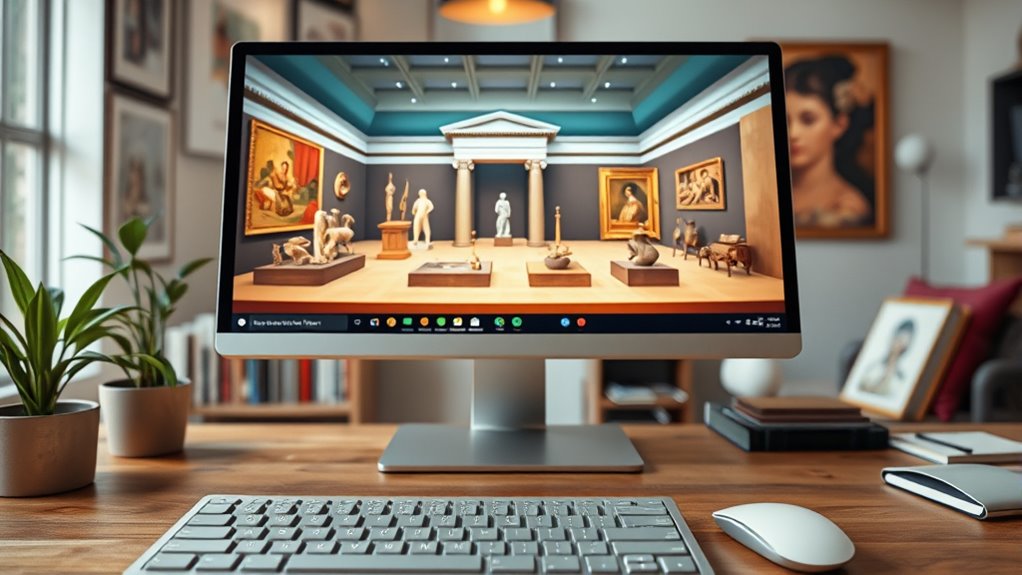
To make the most of digital exhibits, start by familiarizing yourself with the platform’s wayfinding tools, such as menus, zoom functions, and interactive hotspots. These features help you explore exhibits more effectively and discover hidden details. Utilize augmented reality options if available to overlay virtual objects onto real-world views, enhancing your understanding of artifacts. Keep an eye out for social sharing buttons, which let you easily share interesting finds with friends or on social media, enriching your virtual experience. Remember to take your time wayfinding through different sections, and don’t hesitate to use help guides if you’re unsure. A smooth wayfinding experience allows you to focus on the content, making your virtual visit more engaging and informative. Additionally, understanding how to interpret exhibit information displays can deepen your appreciation of the artifacts and their historical context.
Interactive Features to Enhance Your Virtual Visit

Interactive features are key to making your virtual museum visit more engaging and informative. They transform passive viewing into active discovery through tools like augmented reality and gamified exploration. For example, AR lets you visualize artworks or artifacts in your space, creating a sense of presence. Gamified elements, such as quizzes or scavenger hunts, encourage exploration and learning. Here’s how these features can enhance your experience:
| Feature | Description | Benefit |
|---|---|---|
| Augmented Reality | Visualize exhibits in 3D or your environment | Deepens understanding |
| Gamified Exploration | Interactive quizzes and challenges | Makes learning fun |
| Virtual Tours | 360-degree walkthroughs | Immersive viewing |
| Hotspots | Clickable info points on images or exhibits | Quick access to details |
| Audio Guides | Narrated commentary for exhibits | Rich context |
Additionally, incorporating interactive features not only boosts engagement but also helps visitors better retain information by actively participating in the exploration.
Accessibility and Special Features for a Better Experience
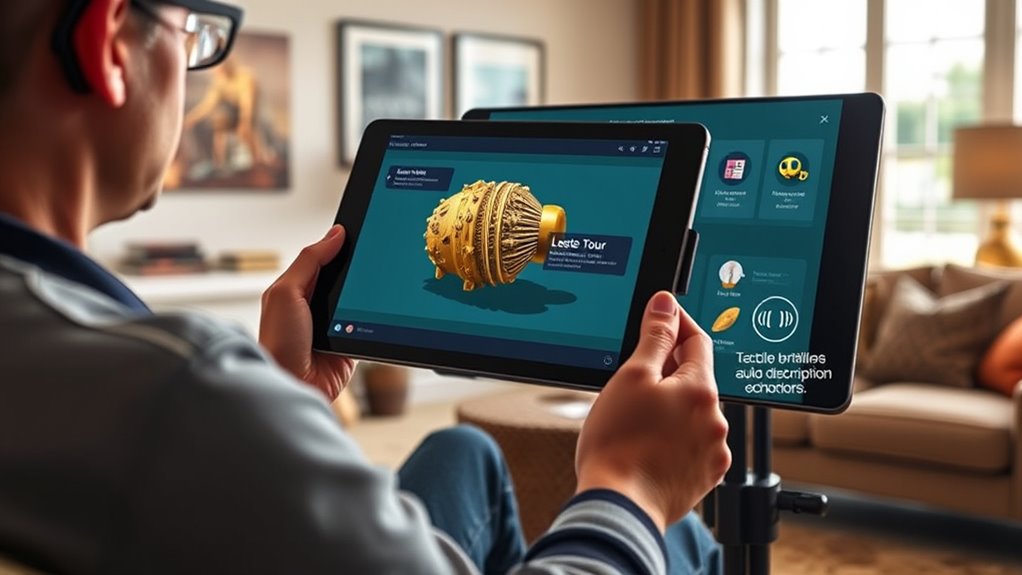
Have you ever wondered how virtual museum tours guarantee everyone can enjoy and learn? They often include accessibility features like audio description, which provides detailed verbal explanations of visual content for those with visual impairments. Assistive technology, such as screen readers and compatibility with mobility devices, guarantees a smoother experience for all users. Many platforms also offer captions and transcripts for audio content, helping visitors with hearing challenges. These features make virtual tours more inclusive by removing barriers and allowing everyone to engage fully with exhibits. By prioritizing accessibility, museums create an equitable environment where knowledge is accessible to all, regardless of physical or sensory limitations. Incorporating Assistive technology further enhances the experience by ensuring that digital content is compatible with various tools used by people with disabilities. This commitment to inclusivity enriches your virtual experience and broadens cultural access for everyone.
Combining Virtual Tours With Other Digital Resources
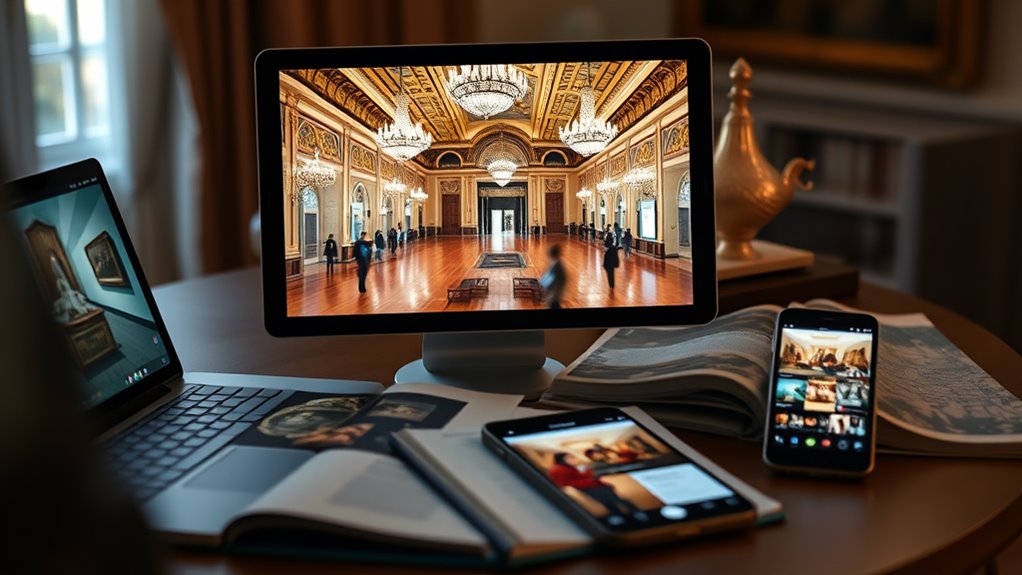
Integrating virtual museum tours with other digital resources enhances your overall learning experience by providing multiple ways to explore and understand exhibits. Augmented reality (AR) apps can bring artifacts to life, offering 3D models that you can manipulate for a closer look. Combining virtual tours with online articles, videos, and podcasts deepens your context and engagement. Social sharing features allow you to discuss exhibits with friends or a wider community, enriching your perspective. You can share interesting finds or ask questions, turning solitary exploration into a collaborative experience. This synergy makes your virtual museum visit more interactive and immersive, helping you connect with exhibits on a deeper level. Recognizing emotional support strategies can also help you manage any frustration or overwhelm that may arise during your digital exploration. By blending these digital tools, you maximize your understanding and enjoyment of the museum’s collections from home.
Frequently Asked Questions
How Do I Create a Personalized Virtual Museum Tour?
To create a personalized virtual museum tour, start with custom tour planning by selecting your favorite exhibits and themes. Use multimedia integration tools like videos, audio guides, and images to enhance your experience. Organize your content logically, perhaps by era or artist, and consider adding interactive elements such as quizzes or commentary. This way, you craft a unique, engaging virtual journey tailored to your interests.
Can I Access Virtual Museum Tours Offline Later?
Yes, you can access virtual museum tours offline later! Many museums offer download options, allowing you to save high-quality images, videos, and even entire tours. With offline access, you can explore masterpieces anytime, anywhere—whether you’re stuck in a traffic jam or cozy at home. Just make certain you’ve downloaded the content beforehand, and you’ll have your own personal gallery at your fingertips, ready to amaze you whenever you want!
Are There Virtual Tours Suitable for Children or Educational Groups?
Yes, many virtual museum tours are perfect for children and educational groups. You’ll find interactive exhibits that engage young learners, making exploration fun and educational. Plus, museums often provide educational resources like lesson plans and activity guides alongside their virtual tours. These tools help children understand exhibits better and encourage active participation, making remote learning engaging and enriching for students of all ages.
How Secure Is My Personal Data During Virtual Museum Visits?
Your personal data stays secure during virtual museum visits thanks to data encryption, which protects your information from unauthorized access. While privacy concerns exist, reputable museums use strong encryption methods and privacy policies to safeguard your details. To stay safe, make sure you visit trusted websites, avoid sharing unnecessary personal info, and check for secure “https” connections. This way, you can enjoy virtual tours without compromising your privacy.
Can I Interact With Museum Staff or Guides Virtually?
Yes, you can interact with museum staff or guides virtually, and it’s more engaging than you might think. Many museums now offer interactive features like live chat, where you can ask questions and get real-time responses. Imagine exploring exhibits and having a guide right there with you, answering your curiosities instantly. Don’t miss out—these live interactions make your virtual visit feel personal and immersive, just like being there in person.
Conclusion
Exploring museums from home is like opening a door to endless worlds of wonder without leaving your couch. With the right platforms and tips, you can turn a simple click into a fascinating adventure. So, immerse yourself in digital exhibits, take advantage of interactive features, and customize your virtual journey. Remember, this experience is your passport to discovery—unlock the treasures of art, history, and culture right at your fingertips. Happy exploring!