To make sure your doctor hears you clearly during telehealth visits, start by choosing a quiet, well-lit space and using a headset or earbuds to improve sound quality. Test your camera and microphone beforehand, and organize your medical info and notes for quick access. Speak clearly and concisely, showing visual aids if needed, and ask questions to confirm understanding. Following these tips helps your appointment go smoothly—keep exploring for more helpful ways to guarantee clear communication.
Key Takeaways
- Choose a quiet, well-lit space and position your device for clear video and audio.
- Use a headset or earbuds to block background noise and improve sound clarity.
- Organize your medical information and notes for quick, accurate communication.
- Test your technology, internet connection, and platform compatibility before the appointment.
- Communicate clearly, use visual aids, and confirm understanding to ensure your doctor hears and understands you.
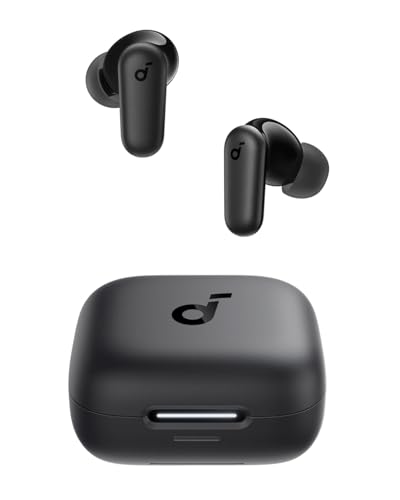
Soundcore P30i by Anker Noise Cancelling Earbuds, Strong and Smart Noise Cancelling, Powerful Bass, 45H Playtime, 2-in-1 Case and Phone Stand, IP54, Wireless Earbuds, Bluetooth 5.4 (Black)
2-in-1 Charging Case and Phone Stand: Enjoy hands-free viewing without the hassle. Simply open the back panel of…
As an affiliate, we earn on qualifying purchases.
As an affiliate, we earn on qualifying purchases.
Prepare Your Environment for Clear Communication
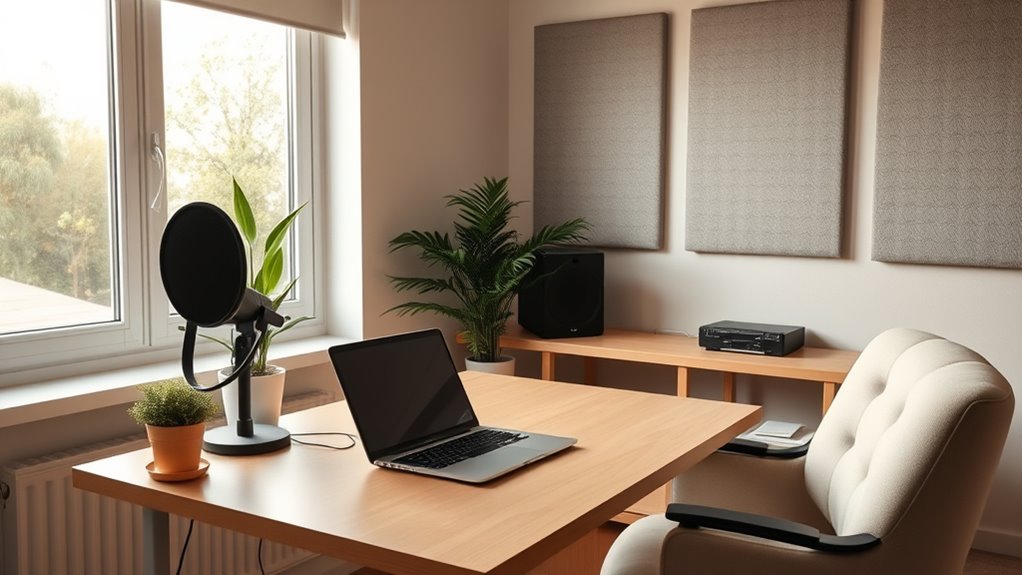
To guarantee clear communication during your telehealth appointment, it’s important to prepare your environment ahead of time. Minimize ambient noise by choosing a quiet space where outside sounds won’t interfere. Turn off TV, radio, or any devices that create background distractions. Close windows and doors to block out street noise or conversations nearby. Make sure your phone or computer is on a stable surface and free from clutter, so you’re not distracted or fumbling during the call. Good lighting is also essential—sit in a well-lit area so your provider can see you clearly. Ensuring your device’s WiFi connection is strong and stable can prevent interruptions and dropped calls. By creating a calm, distraction-free environment, you’ll ensure your provider hears you clearly and understands your concerns without interruption.

NexiGo N60 1080P Webcam with Microphone, Software Control & Privacy Cover, USB HD Computer Web Camera, Plug and Play, for Zoom/Skype/Teams, Conferencing and Video Calling
【Full HD 1080P Webcam】Powered by a 1080p FHD two-MP CMOS, the NexiGo N60 Webcam produces exceptionally sharp and…
As an affiliate, we earn on qualifying purchases.
As an affiliate, we earn on qualifying purchases.
Test Your Technology Before the Appointment
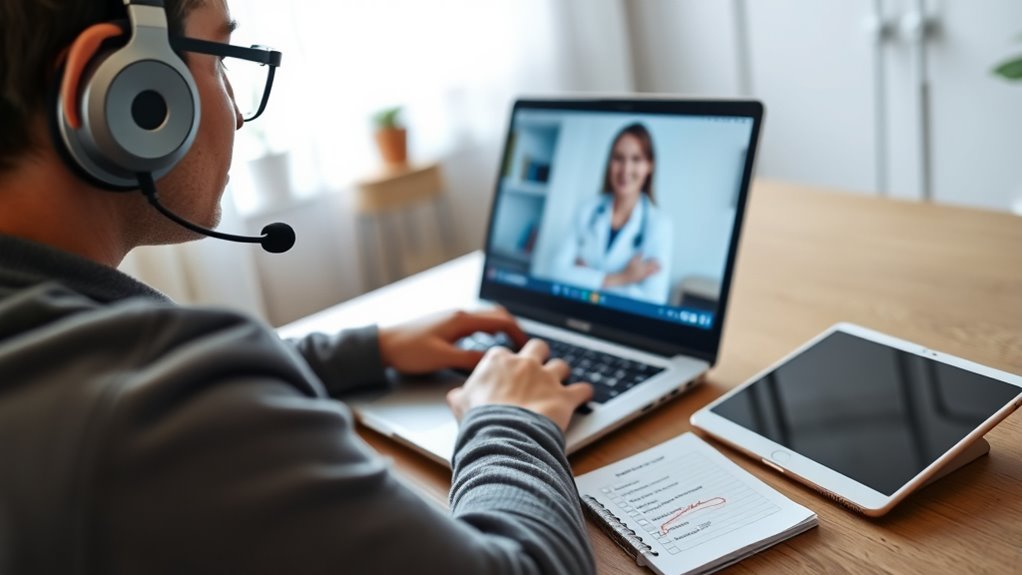
Before your appointment, make sure your device is compatible with the telehealth platform. Test your audio and video to guarantee everything works smoothly, and double-check your internet connection for stability. Doing these quick checks can help prevent technical issues during your visit. Additionally, ensure that your device has the required software updates installed to avoid compatibility problems.
Check Device Compatibility
Making sure your device works properly is the first step to a smooth telehealth visit. Start by checking device compatibility with the telehealth platform your provider uses. Make sure your device meets the minimum requirements, such as operating system and browser specifications. Keep your software updated, as outdated versions can cause compatibility issues. Updating your device’s software ensures you have the latest features and security patches, reducing the risk of technical problems. If you’re using a smartphone or tablet, verify that the app is current. For computers, update your browser or the telehealth application itself. Confirm that your device has enough storage and that all necessary permissions, like camera and microphone access, are enabled. Taking these steps helps prevent last-minute glitches and keeps your appointment on track. Additionally, understanding how automated systems are integrated into telehealth platforms can enhance your familiarity with their operation and improve your overall experience.
Test Audio and Video
Once you’ve confirmed your device is compatible, it’s time to test your audio and video settings. Start by joining a test call or using the platform’s built-in testing tools. Ensure your microphone captures clear audio with good audio clarity, so your doctor can hear you without issues. Check that your speakers or headphones deliver sound without distortion. For video quality, make sure your camera provides a sharp, steady image, and that lighting isn’t too dim or harsh. Adjust your position if needed to improve visibility. Doing these quick checks helps prevent technical problems during your appointment and ensures your doctor can hear and see you clearly. Taking a few moments now saves you from frustration later. Additionally, understanding AI-powered tools can help optimize your device’s performance for smoother telehealth sessions.
Confirm Connection Stability
To confirm your connection is stable, open your internet browser and navigate to a speed testing website or your platform’s connection check tool. This helps you verify your internet connectivity before your appointment. If your speed test shows slow or inconsistent results, consider troubleshooting your device or Wi-Fi setup. Restart your modem or router if needed, and close any background apps that might use bandwidth. Ensuring a strong, stable internet connection prevents disruptions during your telehealth visit. Performing device troubleshooting beforehand minimizes surprises and keeps your session smooth. A quick connection check saves time and reduces frustration, so you can focus on the appointment itself. Confirming your connection stability is a simple but essential step to make sure the doctor hears you loud and clear. Additionally, upgrading your network equipment can improve overall connection quality for future visits.

2026 Fastest WiFi Extender Signal Booster – Coverage Up to 9999 sq. ft, Easy Setup, Long Range WiFi Extender, Ethernet Port & Access Point, and Stable Internet Performance with 60+ Devices
Stable & Fast 300Mbps WiFi Extender: This WiFi extender boosts your existing network with speeds up to 300Mbps…
As an affiliate, we earn on qualifying purchases.
As an affiliate, we earn on qualifying purchases.
Choose a Quiet, Well-Lit Space
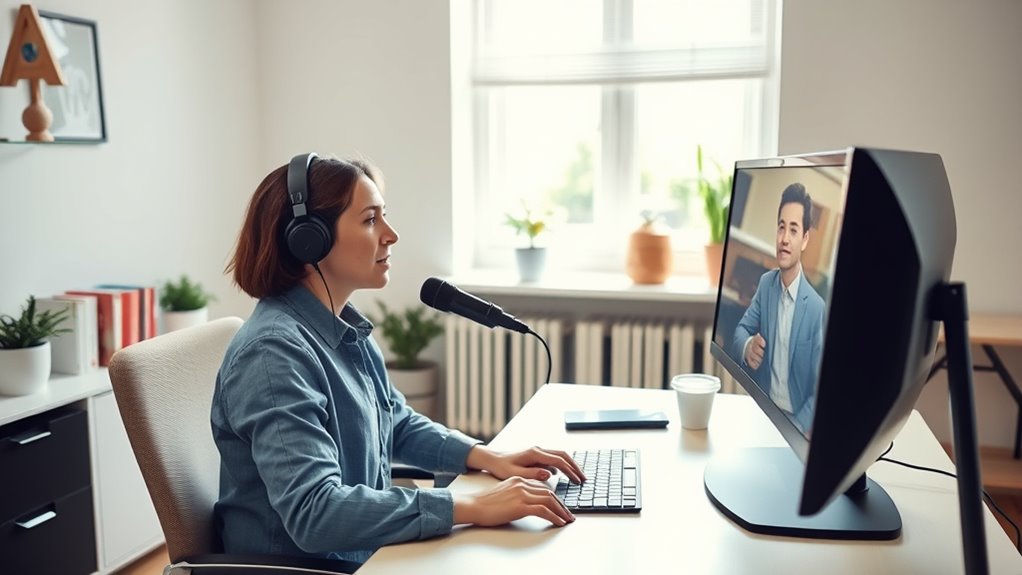
Pick a space that’s quiet and free from distractions to help you focus during your appointment. Make sure the area is well-lit so your provider can see you clearly. Minimizing background noise and ensuring good lighting can make your telehealth visit smoother and more effective. Additionally, choosing a space with minimal background distractions can improve communication and overall experience.
Minimize Background Noise
Have you ever noticed how background noise can disrupt a telehealth session? It can make it harder for your doctor to hear you clearly and impact communication. To improve noise reduction, consider these tips:
- Find a quiet space with minimal distractions.
- Turn off or silence devices that generate noise.
- Close windows and doors to block outside sounds.
- Use a microphone or headset with noise-canceling features.
- Consider using earplugs for concerts to block out ambient sounds and ensure clearer audio during your appointment.
Ensure Good Lighting
Good lighting is essential for a successful telehealth session because it guarantees your healthcare provider can see you clearly. To achieve this, focus on your lighting setup, aiming for a well-lit space with minimal shadows. Natural light is your best friend—position yourself near a window during the day for a bright, even glow. Avoid harsh backlighting or direct sunlight that causes glare. If natural light isn’t enough or isn’t available, supplement with soft, diffuse artificial lighting. Make sure your face is evenly lit from the front so your provider can clearly see your expressions and any visible symptoms. A well-lit environment helps ensure your telehealth visit runs smoothly and your doctor hears you clearly, without miscommunication caused by poor visibility. Using a properly set up lighting environment can significantly improve the quality of your video and help your doctor hear you better.

GZGLUZ Desk Lamp with LED Bulb, (Blue) Flexible Gooseneck with Table lamp 6000K Metal Desk Lamp with Flexible Hose Neck for Office Living Room Bedroom Bedside Table, College Dorm
Flexible Gooseneck Design: Metal body and flexible tube-This desk lamp features a flexible gooseneck design that allows you…
As an affiliate, we earn on qualifying purchases.
As an affiliate, we earn on qualifying purchases.
Use a Headset or Earbuds to Enhance Audio Quality

Ever wondered why your telehealth sessions sometimes sound unclear or distorted? Using a headset or earbuds can markedly improve your audio experience. These audio accessories help block out background noise and keep sound focused on you, enhancing sound quality. Here’s how they make a difference:
Using a headset or earbuds improves clarity and reduces background noise during telehealth sessions.
- They provide clearer audio, so you catch every detail.
- They reduce ambient noise, preventing disruptions.
- They keep your device’s microphone close, improving speech clarity.
- They prevent echoes and feedback that can hinder communication.
- Incorporating AI-powered audio enhancement can further optimize sound quality during your calls.
Investing in good audio accessories ensures your voice is heard exactly as intended. By making sound clearer, you create a smoother, more effective telehealth experience. Remember, better sound quality means fewer misunderstandings and quicker diagnoses.
Be Clear and Concise When Describing Symptoms
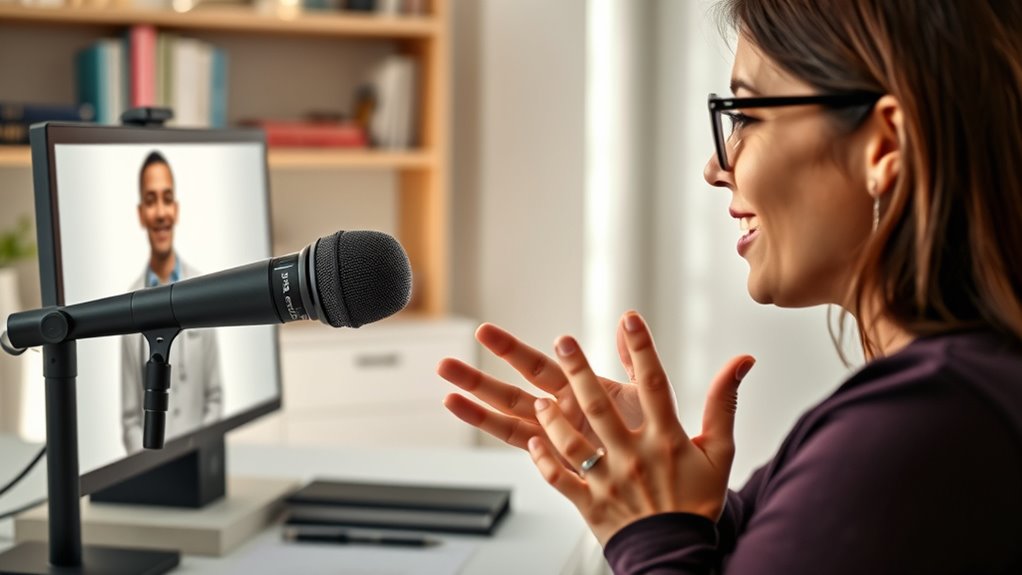
Clear communication is key to getting accurate diagnoses during telehealth visits. To achieve this, focus on symptom clarity by describing your symptoms clearly and specifically. Use concise descriptions to avoid confusion and guarantee your doctor understands exactly what you’re experiencing. Instead of vague terms like “I feel bad,” specify what hurts, how it feels, and when it started. Mention any changes or patterns, such as “My headache worsens in the afternoon” or “My cough lasts for hours.” Being precise helps your provider identify potential issues faster and recommend the right treatment. Remember, clear and concise descriptions save time and improve the quality of your virtual consultation, increasing the likelihood of a correct diagnosis during your telehealth visit. Additionally, detecting passive voice in your explanations can make your descriptions more direct and impactful.
Confirm Your Video and Audio Are Working Properly
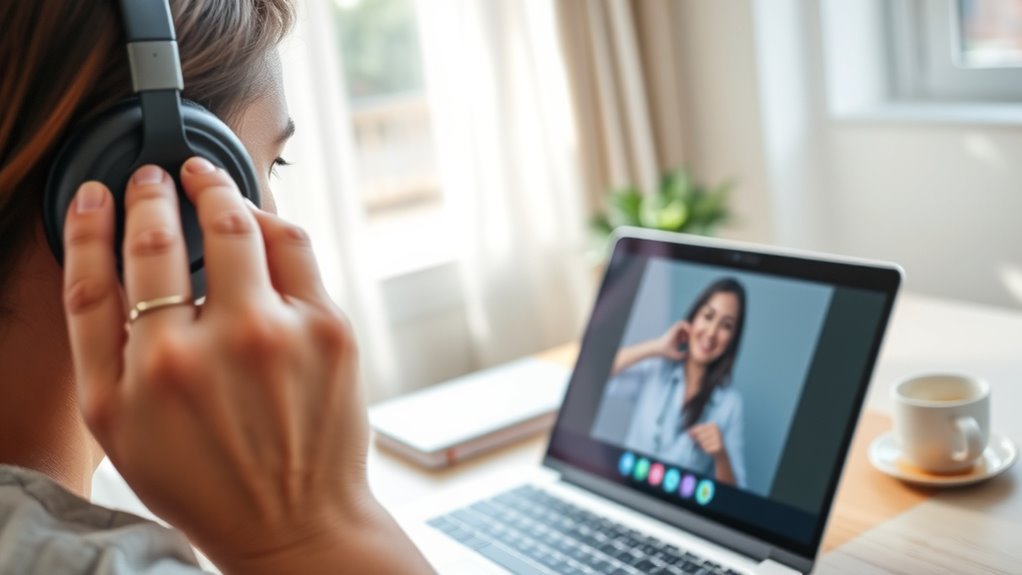
Since technical issues can disrupt your telehealth appointment, it’s important to verify that your video and audio are working properly before the visit begins. Doing some quick tech troubleshooting now can save you time and frustration later. Here are four steps to ensure smooth patient preparation:
- Test your device’s camera and microphone by joining a quick test call or using built-in tools.
- Adjust lighting so your face is clearly visible.
- Check your internet connection—aim for a wired connection if possible.
- Close unnecessary apps that might interfere with video quality.
Have Your Medical Information Ready and Organized
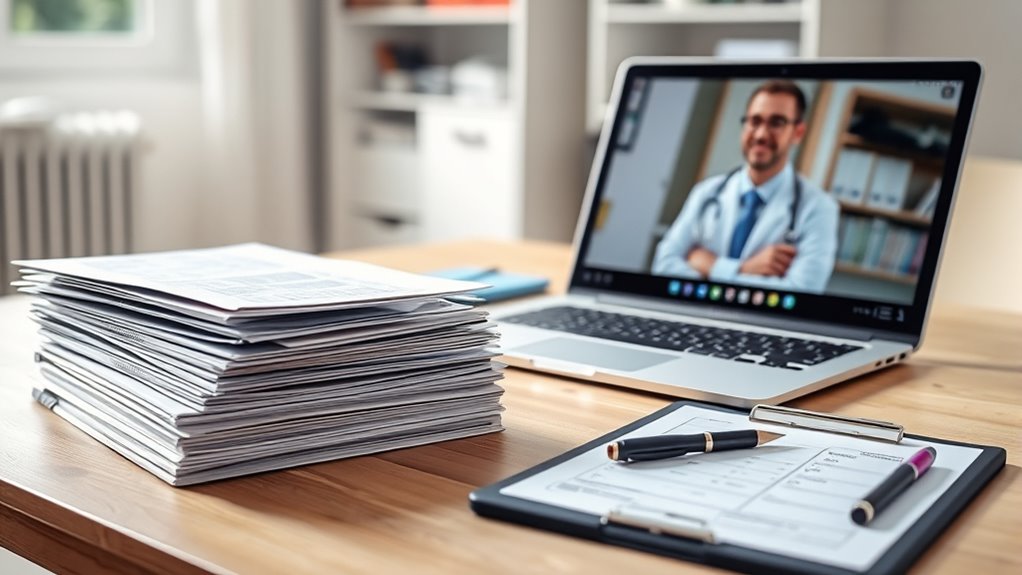
Preparing your medical information ahead of time guarantees your telehealth visit goes smoothly. Start by organizing your medical records so you can easily find important details. Keep a list of current medications, allergies, and recent test results. Accurate symptom documentation is essential; note down your symptoms, when they started, and any patterns you’ve noticed. This helps your doctor understand your condition quickly. Having everything ready prevents unnecessary delays or repeated questions. Use a folder or digital file to store your medical history, making it easy to access during the appointment. Being organized shows you’ve prepared, which makes the consultation more efficient. Clear, concise information ensures your doctor hears and understands your concerns the first time. Recognizing medical history and its details can further improve the accuracy of your diagnosis.
Use Visual Aids or Notes to Support Your Explanation
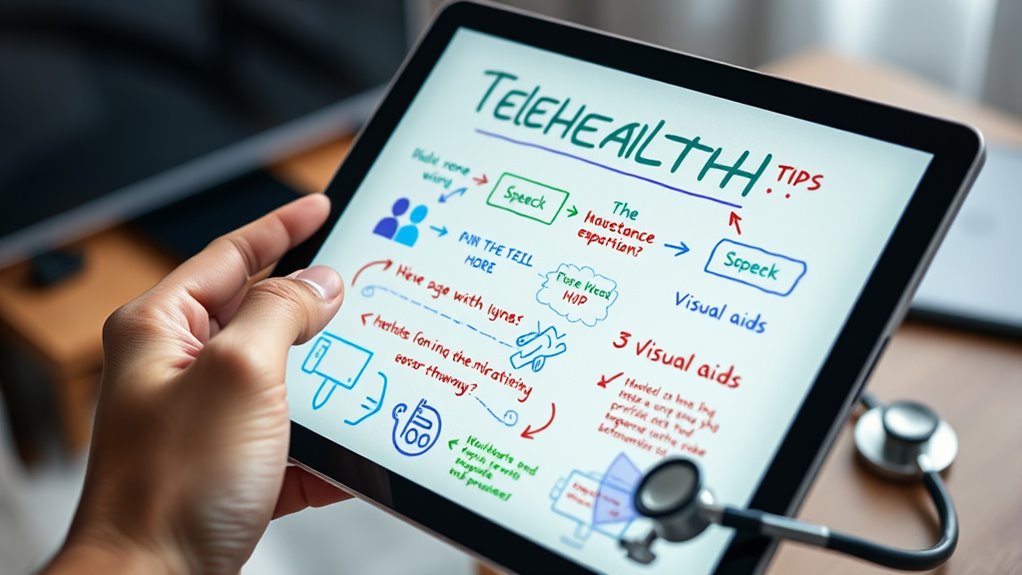
Visual aids and notes can greatly enhance your telehealth consultation by helping you communicate your symptoms more effectively. Using visual aids like diagrams, photos, or charts makes it easier for your doctor to understand your condition. Note taking before the appointment guarantees you don’t forget key details. Here are some tips:
Using visual aids and notes helps communicate symptoms clearly during telehealth visits.
- Prepare photos or sketches of affected areas to show your doctor.
- Write down your main symptoms and their frequency or severity.
- Keep a list of questions or concerns handy for quick reference.
- Use simple notes to clarify complex points during the call.
- Remember to create a comfortable bedroom environment to help you relax during your appointment.
Follow up With Clarifying Questions to Ensure Understanding
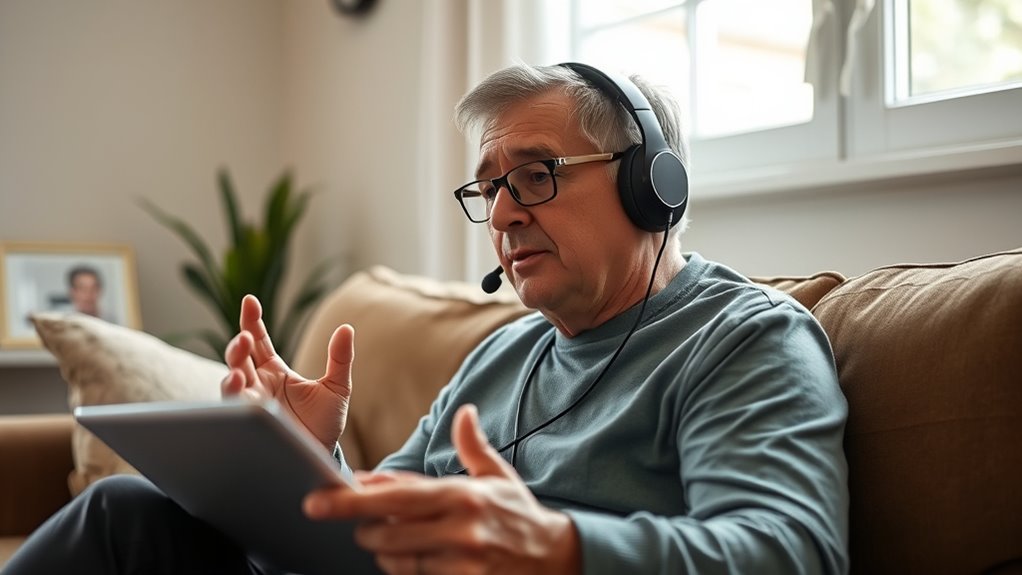
To make sure you fully understand your telehealth provider’s advice, it’s important to ask clarifying questions during the appointment. This shows your commitment to clear communication and helps gather valuable patient feedback. When you ask follow-up questions, you ensure that any confusing or complex information is fully comprehended. Don’t hesitate to seek examples or ask for the provider to repeat or rephrase key points. These follow-up questions help you confirm you’re on the same page and prevent misunderstandings. Your provider will appreciate your engagement, and it increases the likelihood of effective treatment. Remember, asking questions isn’t a sign of doubt; it’s a proactive way to make sure your health concerns are addressed accurately. Clear communication leads to better health outcomes and peace of mind. Incorporating active listening techniques can further enhance your understanding during telehealth visits.
Frequently Asked Questions
How Do I Troubleshoot Common Technical Issues During a Telehealth Session?
When troubleshooting common technical issues during a telehealth session, start with virtual exam prep by checking your internet connection and device settings. Make certain your microphone and camera work properly before the appointment, and restart your device if needed. For medication management discussions, make sure your audio is clear so your doctor can hear you. Keep a backup device ready and test everything beforehand to avoid disruptions and ensure smooth communication.
What Should I Do if My Internet Connection Is Unstable?
When your internet connection decides to act up, don’t panic—just channel your inner tech wizard. Check your Wi-Fi signal, restart your router, and move closer to your device. Use connection troubleshooting tips like disconnecting other devices or switching to a wired connection if possible. Remember, stable internet is key to clear telehealth visits; a little patience and these tricks will make your connection more reliable, pronto.
How Can I Ensure My Privacy During a Virtual Appointment?
To guarantee your privacy during a virtual appointment, you should choose a private, quiet space free from interruptions. Use a secure, password-protected Wi-Fi network to protect your data and avoid public Wi-Fi. Turn off devices or notifications that could compromise your appointment security. Be mindful of privacy concerns, and confirm that the telehealth platform complies with health privacy laws. This way, you can focus on your health without worries.
Are There Specific Devices Recommended for Optimal Telehealth Experiences?
For ideal telehealth experiences, use devices compatible with your smartphone, ensuring seamless connectivity. Opt for headphones or earbuds with built-in microphones to enhance audio clarity and reduce background noise. Check that your device supports audio enhancement features to improve sound quality during calls. Keeping your device updated and using a stable internet connection also helps your doctor hear you clearly and provides a smoother virtual appointment.
How Do I Handle Emergencies or Urgent Health Concerns During a Telehealth Visit?
Think of your telehealth visit as a fire drill—always be prepared. If an emergency or urgent concern arises, stay calm and clearly communicate your symptoms. Follow your healthcare provider’s urgent care protocols, and if the situation worsens or is life-threatening, call emergency services immediately. Keep essential contact info handy and have your medical history ready—this guarantees swift action when minutes matter most.
Conclusion
By following these tips, you’ll set yourself up for a successful telehealth visit. Preparing your environment, testing your tech, and communicating clearly can make all the difference. Remember, a little prep goes a long way—don’t leave things to chance. When you’re well-prepared, you’ll get the answers you need without any hiccups. So, take the time to get everything in order—you’ll be surprised how smoothly things go when you’re ready to roll.