
Simplicity in senior products is essential because it makes devices easier to understand and use, boosting confidence and independence. Too many features can overwhelm your loved ones, causing frustration and mistakes that may impact safety. Focus on clear, large buttons, simple layouts, and essential functions. By prioritizing straightforward designs, you help seniors feel more comfortable and capable. If you want to learn how to create user-friendly tech that truly supports them, keep exploring these key principles.

Turn quiet afternoons into listening time
- Thousands of audiobooks, podcasts and originals
- Listen on your phone, tablet or Echo — also offline
- Cancel anytime
Key Takeaways
- Simplicity reduces cognitive load, making devices easier and less overwhelming for seniors to use confidently.
- Fewer features decrease error rates and increase safety by minimizing confusion and operational mistakes.
- Clear, straightforward interfaces foster independence and trust, encouraging continued device use.
- Overloading with features can cause frustration and abandonment, undermining user satisfaction and confidence.
- Prioritizing essential functions ensures accessibility and comfort, enhancing overall usability for seniors.
As an affiliate, we earn on qualifying purchases.
Why Simplicity Matters Most in Senior Tech Products
Have you ever struggled to figure out how to use a new device? If so, you understand why simplicity is vital in senior tech products. Elderly preferences lean toward straightforward designs that don’t require complex steps or confusing menus. Meeting accessibility standards guarantees devices are usable by everyone, regardless of physical or cognitive challenges. When features are simple and intuitive, seniors feel more confident and independent. Overloading a product with unnecessary options can overwhelm users and lead to frustration. Instead, focus on designing with clarity, larger buttons, clear labels, and minimal options. Prioritizing simplicity in design doesn’t mean sacrificing functionality; it means making sure that the device truly serves the needs of its users. Understanding early warning signs can help in designing products that better meet senior needs. Ultimately, clear and accessible designs foster better user experience and greater independence.
The Risks of Overloading Features for Older Users
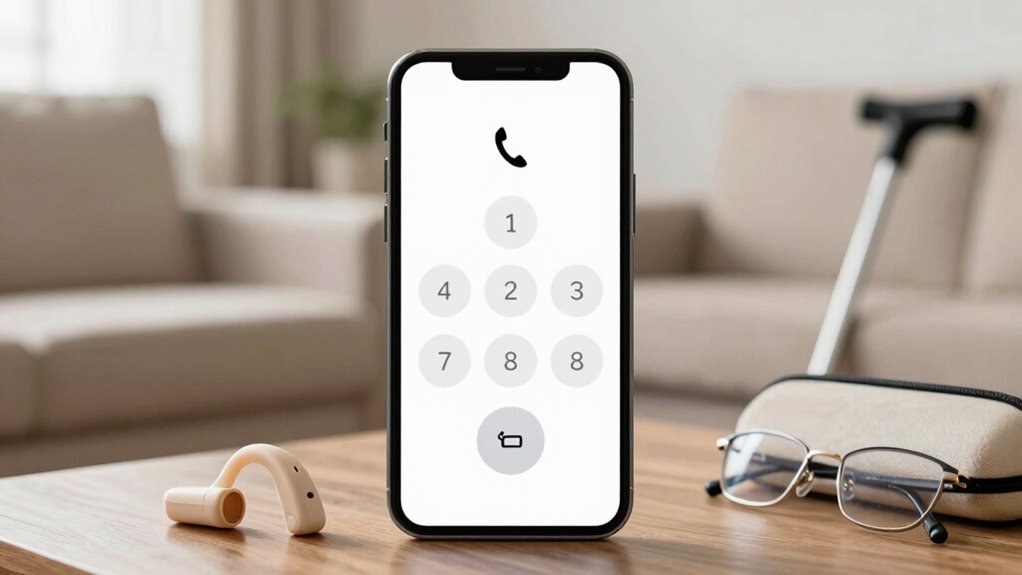
Adding too many features can increase your cognitive load, making it hard to focus or remember how to use the device. This often leads to frustration, as users struggle to find or understand functions. Consequently, error rates go up, causing confusion and reducing overall satisfaction. Incorporating simple design principles can help mitigate these issues. For example, adopting well-drained soil and full sun requirements in garden design emphasizes clarity and straightforwardness, which can be applied to user interfaces to ensure they are intuitive. Understanding customer support and satisfaction in the context of financial products highlights the importance of clear, user-friendly options that foster trust and ease of use. Additionally, applying philosophical insights about authenticity and clarity can guide the development of intuitive interfaces that prioritize user well-being. Simplifying device features ensures that users can more easily navigate and enjoy their technology without unnecessary complications.
Increased Cognitive Load
When a product is overloaded with features, older users can quickly become overwhelmed, making it harder for them to focus and complete tasks. This cognitive overload strains their mental resources, leading to decreased attention and slower decision-making. As tasks become more complex, their ability to retain information diminishes, affecting memory retention. Excess features can distract and confuse, increasing mental effort needed to navigate the interface. Over time, this heightened cognitive load reduces confidence and discourages continued use. Simplifying designs helps streamline interactions, easing mental demands and supporting better memory retention. By minimizing unnecessary features, you reduce the risk of overwhelming older users, allowing them to focus on what truly matters and perform tasks more efficiently. Incorporating recycled materials in gardening and eco-friendly solutions can also promote a more sustainable and accessible environment for all users. Additionally, designing with AI ethics in mind ensures that the technology remains user-friendly and respects the needs of diverse populations, including seniors. Recognizing the importance of user-centric design can further help create products that are intuitive and accessible for everyone. Moreover, paying attention to emerging trends in digital publishing can guide developers in creating innovative yet simple interfaces that cater to the evolving needs of older adults.
User Frustration Risks
Overloading a product with too many features can quickly lead to user frustration, especially for older adults who may already find complex interfaces intimidating. The increased visual complexity can overwhelm users, making it harder to find what they need. As features pile up, they risk experiencing feature fatigue, where too much choice causes confusion and discouragement. This can also diminish the perceived usability of the device, making it less appealing to continue using. This frustration can lead to abandonment or misuse of the product, undermining its purpose. You might notice feelings of helplessness, irritation, or even embarrassment. When a device becomes cluttered and difficult to navigate, it erodes confidence and trust. To avoid these risks, keep interfaces simple, prioritizing essential features and minimizing unnecessary options. Clear, straightforward designs help users feel confident and in control. Additionally, choosing the right vacuum with a simple interface can significantly improve the user experience for seniors. Incorporating user-friendly design principles, such as large buttons and intuitive layouts, can further enhance comfort and ease of use for older users. Implementing design simplicity not only minimizes confusion but also ensures that users can complete tasks efficiently without feeling overwhelmed. Simplified user interfaces are especially important for ensuring accessibility and reducing the cognitive load on older adults.
Higher Error Rates
Have you ever noticed how easily older adults make mistakes when steering complex devices? Higher error rates are a common result of overloaded features, which create usability challenges. When a device has too many options, small buttons, or complicated menus, it becomes overwhelming. This increases the likelihood of mistakes, such as mispresses or incorrect settings, leading to frustration and reduced confidence. These errors aren’t just inconvenient—they can impact safety, especially in critical situations. Simplifying interfaces helps lower error rates by making essential functions more accessible and easier to understand. When you focus on clear, straightforward design, you empower older users to operate devices confidently and accurately, reducing risks and improving their overall experience. Additionally, calibration of device settings can further enhance usability by ensuring controls are responsive and easy to interpret. Incorporating user-friendly design principles can further minimize errors by adapting controls to accommodate common challenges faced by seniors, such as usability challenges highlighted in studies on technology use among older adults. Moreover, reducing unnecessary complexity can also help prevent confusion that often leads to operational mistakes.
Designing Senior-Friendly Interfaces for Ease of Use
Designing senior-friendly interfaces requires a focus on simplicity and clarity to guarantee ease of use. When you prioritize intuitive guidance, you empower elderly users to maintain independence without frustration. Clear buttons, large text, and minimal clutter help users find what they need quickly. Incorporating familiar elements can also simplify learning curves and make technology more approachable for seniors. Additionally, ensuring that interfaces are ergonomically designed can reduce physical strain and improve overall comfort during use. Recognizing cultural beliefs surrounding astrology and beauty can influence how visual elements are perceived, making interfaces more relatable. Understanding comogenic ratings can also help in selecting visual and design choices that promote healthier skin interactions, especially for users with sensitive skin. To further enhance usability, paying attention to usability testing can reveal practical insights and help refine the interface for better accessibility. This approach reduces confusion and builds confidence in technology. Remember, your goal is to create an experience that feels natural and accessible.
How Minimalism Enhances Clarity and Accessibility

Minimalism considerably boosts clarity and accessibility by stripping away unnecessary elements that can distract or confuse users. When designing for seniors, focus on strong color contrast to guarantee important information stands out clearly. High contrast between text and background makes reading easier and reduces eyestrain. Additionally, font size plays a vital role; larger, legible fonts help users read comfortably without strain. Simplifying layouts by minimizing clutter directs attention to essential features, making navigation straightforward. Avoid decorative or overly complex visuals that can overwhelm or confuse. By prioritizing clean design, you make it easier for seniors to understand and interact with your product. Overall, minimalism creates an intuitive experience that promotes independence and confidence in using senior devices.
Common Mistakes to Avoid When Creating Senior Devices
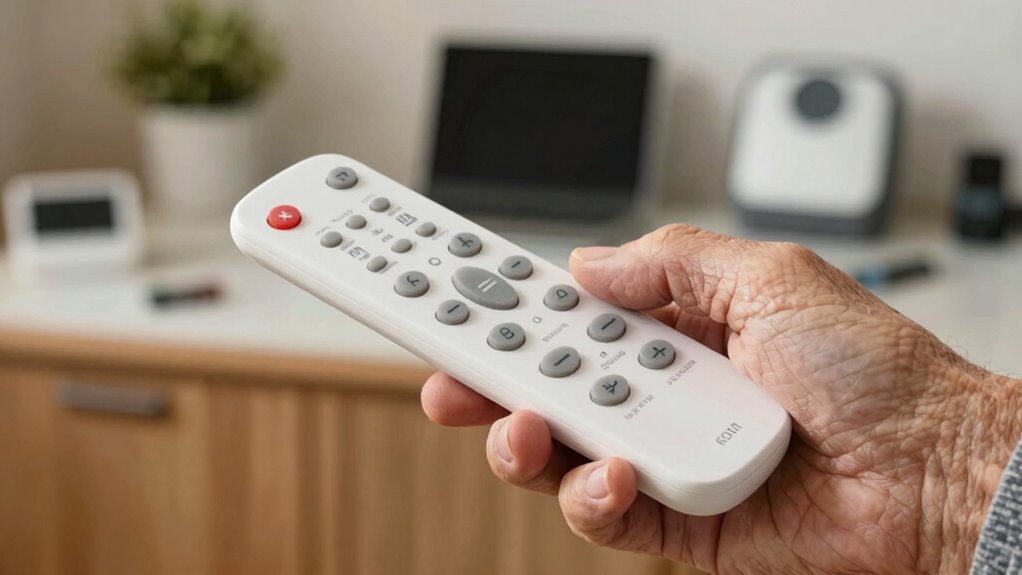
Creating senior devices often seems straightforward, but overlooking common pitfalls can lead to frustration and reduced usability. One mistake is neglecting ergonomic design, which can cause discomfort and discourage use. Another is overloading the device with too many features, making it confusing and overwhelming. Failing to prioritize assistive technology that truly meets users’ needs can leave seniors feeling unsupported. Additionally, ignoring feedback from older adults during development can result in products that don’t address real challenges. These errors diminish trust and usability, ultimately defeating the purpose of simplifying technology for seniors.
- Overcomplicating interfaces, causing frustration and confusion
- Ignoring ergonomic comfort, risking physical strain
- Adding unnecessary features, overwhelming users
- Failing to incorporate real user feedback, reducing effectiveness
How Simplified Products Boost User Satisfaction and Loyalty
When your product is simple to use, you make it easier for users to stay engaged and confident. This increased ease of use encourages them to rely on your device regularly. Over time, this consistency builds satisfaction and loyalty that’s hard to break.
Enhanced Ease of Use
Simplified products make it easier for seniors to navigate technology without frustration. When a device is intuitive, you feel more confident using it daily, which boosts satisfaction and trust. This ease of use often results from thoughtful design, making tech more affordable and accessible. A strong brand reputation grows when seniors find products that truly meet their needs without complex features. You’ll appreciate how simple interfaces reduce mistakes and save time, creating a smoother experience. Plus, the reduced learning curve encourages loyalty, knowing they can rely on products that prioritize their comfort.
- Feel confident knowing you can use your device effortlessly
- Experience genuine independence without confusion
- Trust brands that prioritize your needs over flashy features
- Save money with user-friendly, affordable technology
Increased User Engagement
By making products easy to use, seniors are more likely to stay engaged and satisfied with their devices over time. Simplified design reduces frustration, encouraging consistent tech adoption. When products are intuitive, seniors feel confident exploring new features, leading to increased user engagement. This sustained interaction builds trust and loyalty, essential for long-term use. As more seniors adopt technology, market growth accelerates because users stick with devices that meet their needs without complexity. Clear, straightforward interfaces minimize barriers, making users more likely to incorporate these products into daily routines. Ultimately, simplicity fosters ongoing engagement, ensuring seniors remain connected, informed, and comfortable with their technology, which benefits both users and providers in a competitive market.
Balancing Essential Features With Simplicity
Finding the right balance between essential features and simplicity is crucial for creating senior products that are both useful and easy to use. When you focus on ergonomic design, you guarantee comfort and accessibility, reducing frustration. Prioritizing only the necessary features helps avoid overwhelming users, fostering an emotional connection rooted in trust and confidence. To evoke emotion, consider these points:
- Feel the confidence of a device that fits perfectly in your hand
- Experience the ease of use that restores independence
- Reconnect with technology that respects your needs and limits
- Enjoy the peace of mind from a straightforward, reliable product
Practical Tips for Developing User-Friendly Tech for Seniors
What are some practical steps you can take to develop tech that truly works for seniors? First, prioritize intuitive features like voice recognition, so users can operate devices easily without complex menus. Simplify interfaces by reducing clutter and using large, clear icons and text. Focus on ergonomic design by creating devices that fit comfortably in the hand and are easy to hold, minimizing strain. Consider tactile feedback and contrasting colors to improve usability. Test your product with real seniors to gather feedback and identify pain points. Avoid unnecessary features that might confuse users. Remember, the goal is to make technology accessible, so keep the design straightforward and user-centric. These steps will help you create products that genuinely meet seniors’ needs.
Final Thoughts: Making Technology Accessible Through Simplicity
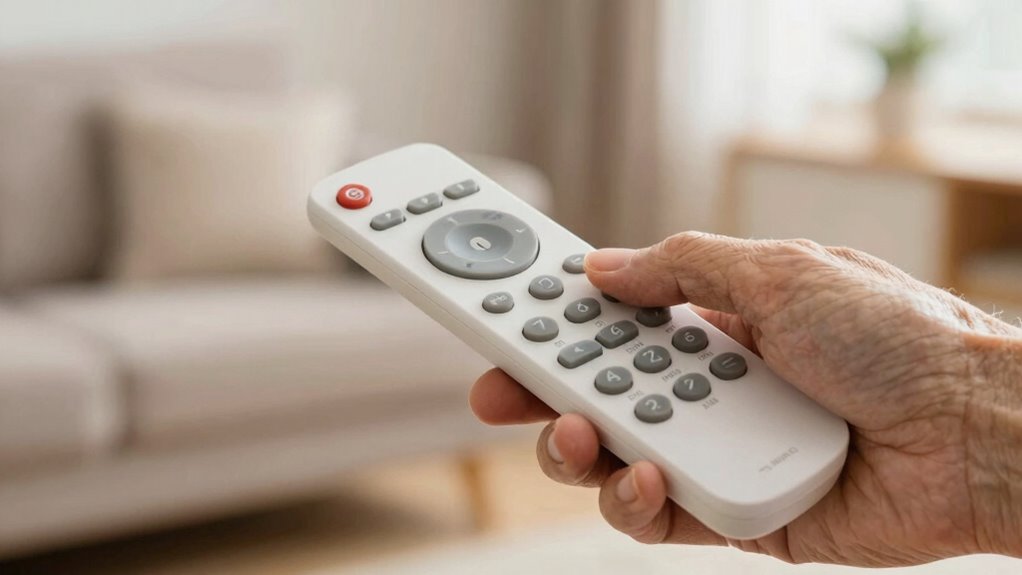
Ultimately, making technology accessible for seniors hinges on embracing simplicity. When you prioritize straightforward design, you empower older adults to stay connected through intergenerational communication and use assistive technology confidently. Simple interfaces reduce frustration, foster independence, and build trust in digital tools. This approach bridges gaps between generations, encouraging more meaningful interactions. Your focus on clarity and ease of use guarantees that seniors don’t feel overwhelmed or excluded. By removing unnecessary features and complexity, you create devices that serve their needs, not just technical specifications. When technology becomes intuitive, it becomes a tool for connection, support, and growth. Remember, accessibility isn’t just about function—it’s about making seniors feel seen, valued, and capable of engaging with the digital world.
Frequently Asked Questions
How Does Simplicity Impact Senior Users’ Confidence With Technology?
Simplicity boosts your confidence with technology by making the user interface clear and easy to navigate. When features are straightforward, your cognitive load decreases, reducing frustration and confusion. This means you can focus on using the device effectively without feeling overwhelmed. A simple design helps you feel more comfortable and independent, encouraging you to explore and trust technology, knowing that it’s accessible and user-friendly.
What Are Common Misconceptions About Senior-Friendly Product Design?
Many believe senior-friendly design means sacrificing aesthetic appeal, but that’s a misconception. You might think simplicity limits branding strategies, yet it actually enhances clarity, making products more inviting. Common misconceptions include thinking older users prefer complex interfaces or that simplicity diminishes functionality. In reality, you can create intuitive, attractive products that prioritize ease of use without compromising visual appeal, proving that thoughtful design bridges both form and function seamlessly.
How Can Manufacturers Test for Usability Among Older Adults?
You can conduct usability testing by involving older adults directly in the process, observing how they interact with your product. Focus on accessibility considerations, such as clear instructions, large buttons, and high-contrast visuals. Gather feedback on their experience and note any difficulties they face. This hands-on approach guarantees your product is intuitive and accessible, helping you identify and fix issues before release.
What Role Does Training Play in Adopting Simple Tech Devices?
You might think training isn’t necessary, but user education and skill development are essential for seniors adopting simple tech devices. Proper instruction helps build confidence, reduces frustration, and guarantees they understand how to use features correctly. By focusing on clear, accessible training, you make technology more approachable, encouraging independence. This approach not only boosts usability but also fosters a positive experience, helping seniors enjoy the benefits of the devices with ease.
Are There Specific Features to Avoid in Senior Tech Products?
Avoid overly complex features like advanced voice recognition that can be frustrating or confusing for seniors. Steer clear of customizable interfaces with too many options, which may overwhelm users. Instead, focus on essential functions with simple, intuitive controls. By limiting these features, you make the device easier to use, reducing frustration and encouraging independence. Prioritizing simplicity helps seniors feel confident and comfortable while staying connected.
Conclusion
Remember, when designing for seniors, simplicity isn’t just a feature—it’s the foundation. Think of it as the clear sky that lets the stars shine brightest; clutter and complexity only obscure the beauty and purpose. By prioritizing ease of use over endless features, you create products that truly empower, delight, and inspire loyalty. After all, isn’t it better to offer a guiding light that’s easy to follow than a maze that leaves them lost?
Fall Picks
fall essentials
As an affiliate, we earn on qualifying purchases.