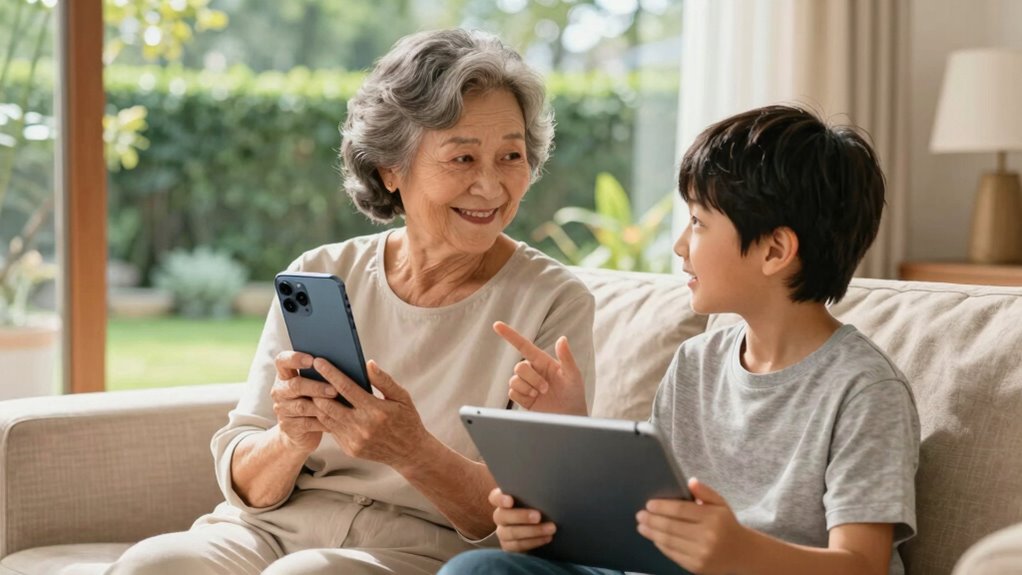

Communication devices designed with seniors in mind help break down physical, sensory, and technological barriers, making it easier for them to stay connected with family and friends. Features like large buttons, simple interfaces, voice commands, and customizable alerts create a user-friendly experience that boosts confidence and independence. These devices also foster emotional well-being by encouraging social interaction and providing support. To discover how to choose the best options for your loved one, keep exploring further.

Turn quiet afternoons into listening time
- Thousands of audiobooks, podcasts and originals
- Listen on your phone, tablet or Echo — also offline
- Cancel anytime
Key Takeaways
- Simplified interfaces and large buttons make devices easier to operate, reducing frustration for seniors.
- Voice commands and hands-free features enable effortless communication, minimizing technical barriers.
- Customizable alerts and emergency functions provide quick access to help, enhancing safety and peace of mind.
- Social features like video calling promote ongoing connection, reducing loneliness and emotional friction.
- Durable, reliable devices with personalized settings boost seniors’ confidence and independence in daily interactions.
senior-friendly large button cell phones
As an affiliate, we earn on qualifying purchases.
As an affiliate, we earn on qualifying purchases.
What Challenges Do Seniors Face in Staying Connected?
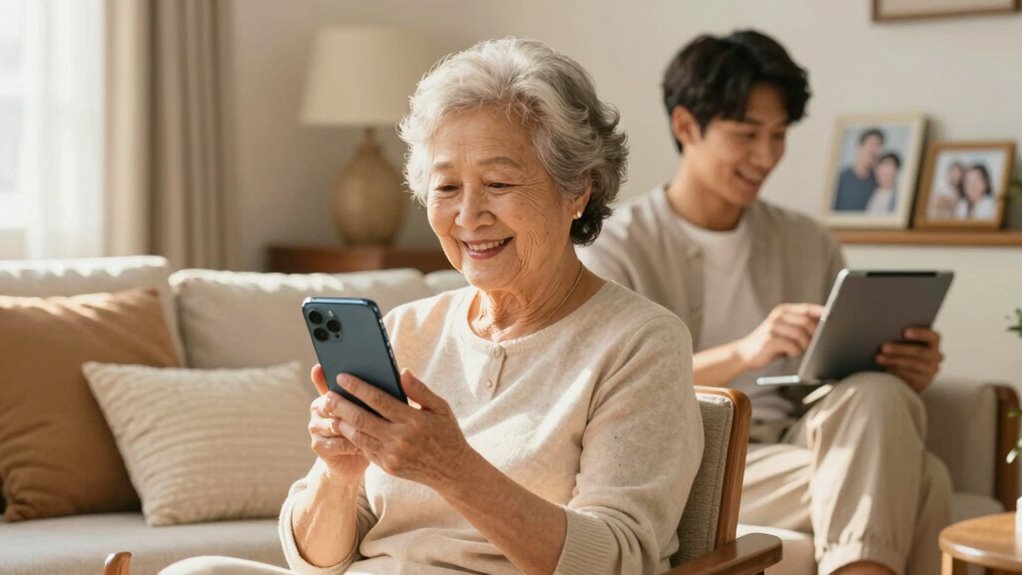
Many seniors face obstacles that make staying connected difficult, such as declining vision, hearing loss, or limited dexterity. These physical changes create technology barriers, making it hard to operate devices or navigate digital platforms. Emotional barriers also come into play, as seniors might feel overwhelmed or frustrated by new technology, leading to feelings of isolation. They may worry about making mistakes or fear they’ll be a burden to loved ones. These challenges can discourage them from reaching out or engaging regularly. As a result, they might withdraw from social interactions, increasing loneliness. Recognizing these barriers is vital to understanding why seniors struggle to stay connected and highlights the importance of user-friendly communication tools designed specifically for their needs. Additionally, ensuring that devices support features like color accuracy and adjustable contrast ratios can significantly improve their usability and comfort. Incorporating user-centered design principles in device development can further help mitigate these challenges by making technology more accessible and intuitive for seniors. A thoughtful approach to design can make a substantial difference in usability and acceptance. Providing features such as large buttons and simple interfaces can also help overcome physical limitations and enhance overall usability. A focus on accessible technology can help ensure that communication devices truly meet seniors’ needs, fostering greater independence and connection.
How Communication Devices Help Bridge the Gap
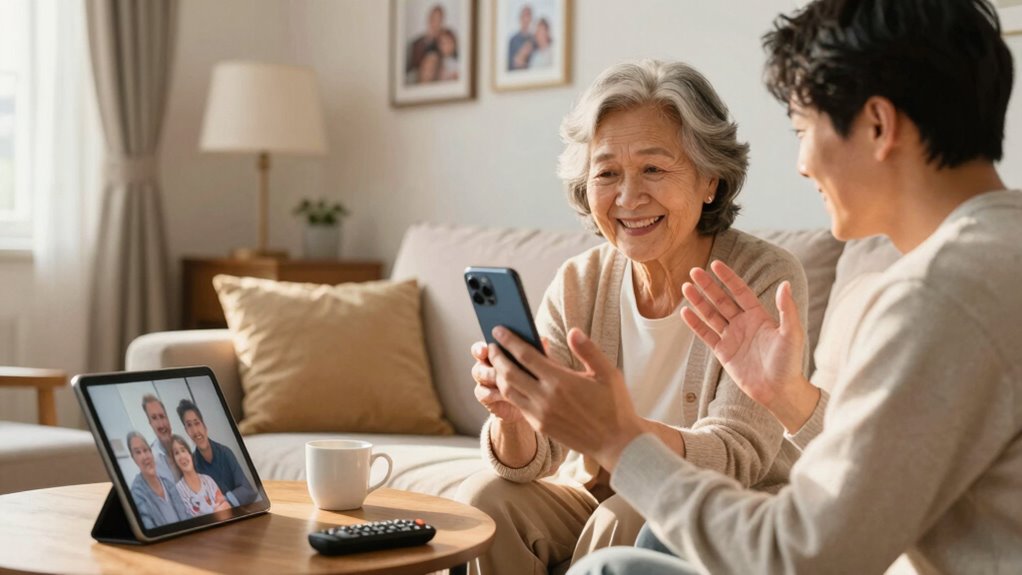
Communication devices designed specifically for seniors play a crucial role in bridging the gap created by physical and emotional barriers. These tools help you stay connected, fostering emotional bonds that might otherwise weaken over time. When you can easily reach family or friends, you feel more engaged and less isolated, promoting social engagement. By enabling quick and simple communication, these devices reduce feelings of loneliness and help you maintain meaningful relationships. They are often integrated with biosensors for health insights, which can provide real-time data about your well-being to both seniors and their families. For example, some devices incorporate features inspired by electric bikes’ instant torque, allowing for immediate and efficient communication in moments of need. As a result, you and your family experience less frustration and more comfort, knowing that staying connected is accessible and effortless, no matter the distance or physical limitations. Incorporating user-friendly technology into daily life ensures that seniors can confidently use communication devices without added stress. Additionally, simple interfaces make these devices even more accessible for those unfamiliar with advanced technology. When designed with intuitive navigation, these devices become even easier for seniors to operate independently.
Which Features Make Devices Easy for Seniors to Use?
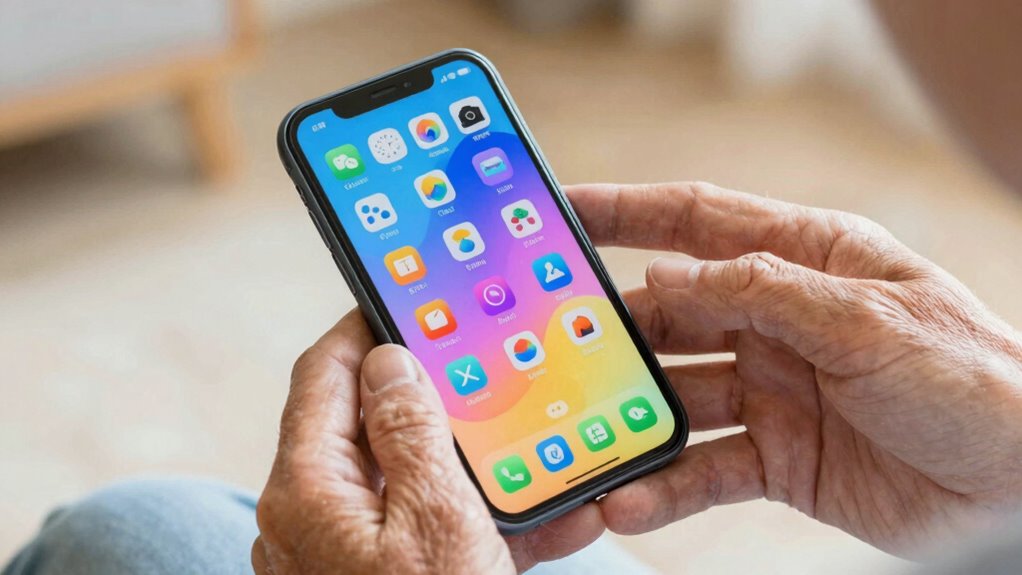
To make communication devices user-friendly for seniors, look for a large, clear display that’s easy to read. Simple navigation buttons help reduce confusion, and voice command features allow for hands-free operation. These features make it easier for seniors to stay connected without frustration. Incorporating easy exercises and mobility tips can further enhance confidence and independence when using these devices. Additionally, smart technology integration can streamline functions and improve overall usability for seniors. Ensuring the device has device/dock limitations in terms of size and complexity can also prevent overwhelm and promote consistent use. Using devices with energy-efficient options helps reduce ongoing costs and supports sustainable usage habits. Understanding user-friendly design principles can help manufacturers create devices that are more accessible for all seniors.
Large, Clear Display
A large, clear display is essential for making communication devices accessible to seniors, as it helps them see who they’re talking to and read messages without strain. Good visual clarity ensures that details are easy to distinguish, reducing frustration. Key features to look for include:
- Large font size – Ensures text is easily readable without squinting or strain.
- High contrast screens – Improve visibility by making text stand out from the background.
- Bright, adjustable display – Allows you to customize brightness for different lighting conditions.
These features work together to enhance readability and reduce eye fatigue, making communication simpler and more comfortable for seniors. A well-designed display boosts confidence and independence when using the device daily.
Simple Navigation Buttons
Clear and straightforward navigation buttons make a significant difference in how easily seniors can operate communication devices. When the user interface features simple navigation buttons, it reduces confusion and frustration, making the device more accessible. Accessibility improvements, such as large, well-spaced buttons, help seniors press the correct option without difficulty. Clear labeling and minimal options on each screen prevent overwhelm, ensuring quick and intuitive operation. These features allow seniors to connect with loved ones effortlessly, without needing to navigate complex menus. By prioritizing simple navigation, device designers create an accessible user interface that accommodates varying levels of dexterity and vision. Incorporating user-centered design principles ensures that communication devices meet the specific needs of seniors, enhancing usability and satisfaction. Proper piercing care and hygiene also contributes to overall device safety by preventing infections and irritation that could interfere with device use. This approach boosts confidence, independence, and overall satisfaction, making communication devices truly functional and user-friendly for seniors.
Voice Command Functionality
Have you ever wondered how voice command features can make communication devices more user-friendly for seniors? Voice control simplifies using technology, especially for those with limited dexterity or vision. Accessibility features like voice command allow you to operate the device hands-free, reducing frustration. Here are three key features:
- Simple Voice Activation: You can turn on calls or send messages just by speaking, making it easier to stay connected.
- Command Customization: Adjust commands to suit your preferences, so common tasks become even more intuitive.
- Error Correction: Voice control often includes prompts for clarification, helping you communicate effectively without frustration.
- Additionally, integrating user feedback helps improve these features, ensuring the devices remain accessible and easy to use for seniors.
How Communication Devices Promote Independence and Confidence
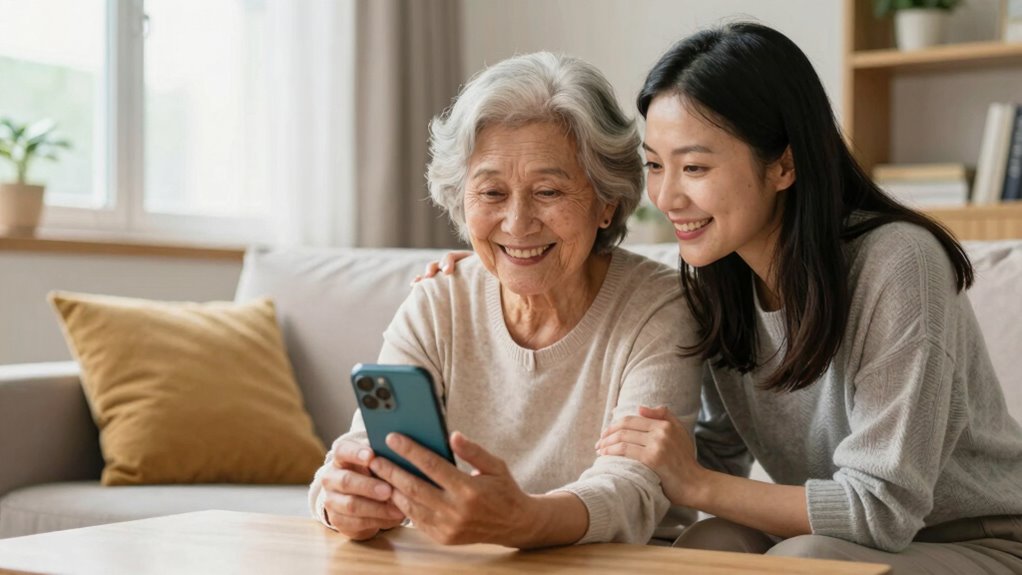
Communication devices empower seniors to maintain independence and boost their confidence by enabling seamless connection with loved ones and caregivers. When you can easily reach out or get help, your emotional well-being improves because you feel more supported and secure. These devices promote social engagement, helping you stay connected with friends and family, which reduces feelings of isolation. As you communicate more freely, you develop a sense of control over your daily activities, fostering confidence in managing your routines. Knowing help is just a call away allows you to take on new challenges and stay active. Ultimately, communication devices help you feel more autonomous, safe, and connected, enhancing your overall quality of life and reinforcing your independence.
What Types of Communication Devices Are Best for Seniors?
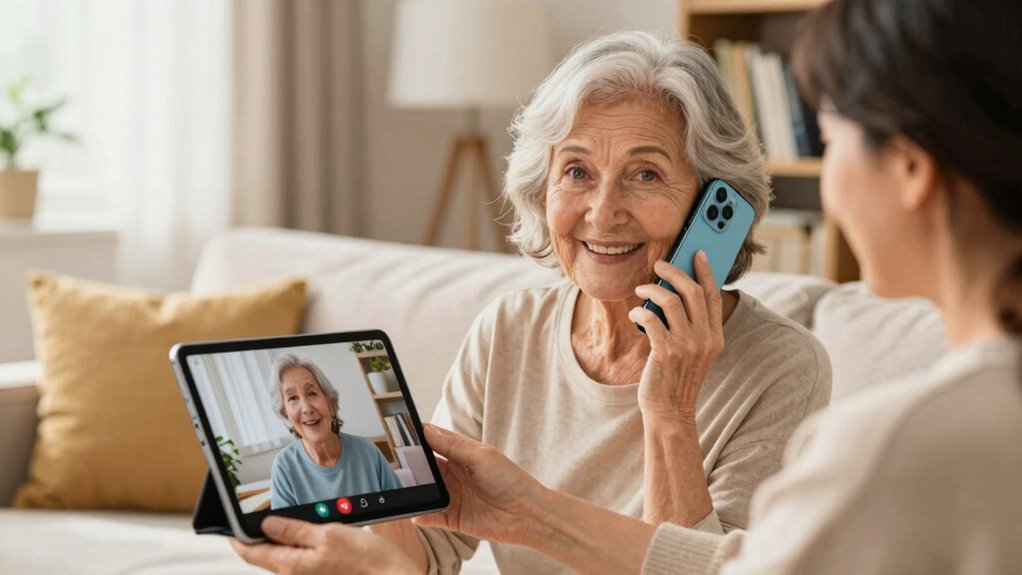
Choosing the right communication device depends on your specific needs and comfort level. For seniors, options include devices that enhance hearing and safety. Here are three top choices:
Choosing the right device depends on individual needs and comfort for better communication and safety.
- Assistive listening devices: These improve sound clarity during conversations, making it easier to hear family and friends, especially in noisy environments. They can significantly reduce communication barriers, fostering more meaningful interactions.
- Emergency alert systems: Wearable or wall-mounted systems that allow quick access to help during emergencies, providing peace of mind for both seniors and their families.
- Simple mobile phones: Designed with large buttons, clear screens, and voice-activated features, these phones support easy communication without complexity. Incorporating user-friendly design principles ensures that seniors can operate these devices confidently and independently.
Additionally, some devices incorporate astrological insights, aiming to boost confidence and self-image in users. Selecting the best device depends on individual preferences and health requirements, ensuring seamless communication and safety.
Tips for Choosing the Right Device for Your Loved One
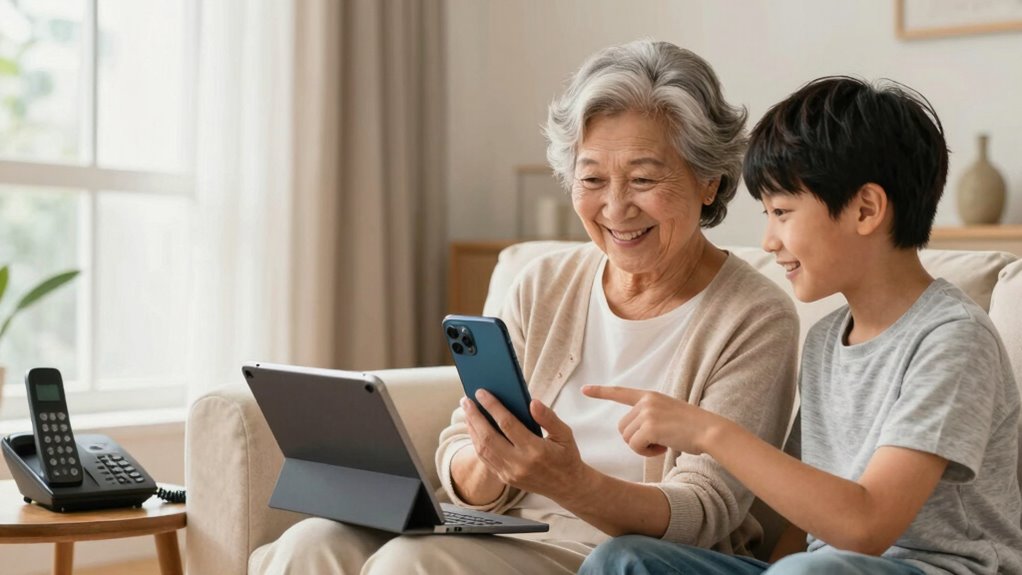
Selecting the right device for your loved one involves considering their unique needs, preferences, and daily routines. Look for devices with personalization options, so you can customize features like font size, alert tones, or emergency contacts to suit their comfort. Think about ease of use—choose a device with simple controls and clear displays. Battery life considerations are also essential; a device with longer battery life reduces the stress of frequent charging and guarantees reliable communication throughout the day. Make certain the device fits comfortably and is durable enough for daily use. Additionally, understanding the underlying nanotech fabrication challenges can inform you about the device’s durability and reliability, ensuring it performs well over time. A good grasp of manufacturing processes can help you identify devices that are less prone to malfunctions or wear and tear. When evaluating devices, consider the impact of vetted – wave and wind technologies, which can enhance performance in various environments and improve overall user experience. Incorporating advanced manufacturing techniques can further improve device longevity and resilience in challenging conditions. By paying attention to these factors, you’ll find a device that enhances connection, promotes independence, and provides peace of mind for both you and your loved one.
Comparing the Top Communication Devices for Seniors

When comparing the top communication devices for seniors, you’ll want to focus on ease of use and key features. These aspects help guarantee your loved one can operate the device comfortably and access essential functions. By understanding these points, you can choose a device that truly meets their needs.
Ease of Use
- Large, clear buttons and simplified interfaces make calling or messaging straightforward.
- Devices with strong build quality guarantee durability, reducing the need for frequent replacements, and maintaining user privacy by preventing accidental data exposure.
- Intuitive functions and minimal setup help seniors feel confident using the device without assistance.
Prioritizing ease of use means choosing devices that are both durable and secure, allowing seniors to communicate comfortably and safely while maintaining their independence.
Key Features
To find the best communication device for seniors, it’s essential to compare their key features carefully. Tech innovations have led to devices that are more reliable and versatile, while user-friendly design guarantees easy operation. Look for features like large buttons, clear displays, and simple interfaces that minimize frustration. Battery life is also important, so you won’t worry about frequent charging. Some devices include emergency buttons, voice commands, or video calling capabilities, enhancing safety and convenience. Here’s a quick comparison:
| Feature | Device A | Device B | Device C |
|---|---|---|---|
| Tech innovations | Advanced voice recognition | Long battery life | Touchscreen with large icons |
| User-friendly design | Large buttons, simple UI | Minimal controls | Clear display, easy navigation |
| Extra features | Emergency button | Video calling | Hearing aid compatibility |
Choosing the right device depends on balancing these key features to fit your loved one’s needs.
Frequently Asked Questions
How Do Communication Devices Support Emergency Situations for Seniors?
When an emergency happens, communication devices support seniors by providing instant access to emergency alerts, ensuring they can quickly notify loved ones or first responders. With features like one-touch calling or voice activation, you can be confident they’ll receive help promptly. These devices enable rapid response, reducing risks and providing peace of mind for everyone, knowing assistance is just a button away during critical moments.
Are Communication Devices Customizable for Individual Senior Needs?
Yes, communication devices are customizable for individual senior needs. You can adjust personalization features, such as font size, volume, and emergency contacts, to suit their preferences. The user interface is often designed to be simple and intuitive, making it easier for seniors to operate. This customization guarantees that each device meets the unique requirements of the user, enhancing safety, independence, and overall communication comfort.
What Training Is Needed for Seniors to Use These Devices Effectively?
You need to provide seniors with clear device setup instructions and hands-on user training to guarantee they can use communication devices effectively. Start by explaining how to turn on the device, adjust settings, and use key features. Offer simple demonstrations and encourage practice. Follow up with ongoing support, addressing questions and troubleshooting issues. This approach builds confidence, making the devices more accessible and reducing frustration for seniors and their families.
How Do Communication Devices Address Sensory Impairments Like Hearing or Vision Loss?
Communication devices address sensory impairments by offering visual enhancements like larger screens, high contrast displays, and adjustable fonts to assist those with vision loss. They also provide auditory amplification features, such as louder volume settings and clear sound quality, to help seniors with hearing impairments. These tools make it easier for seniors to see and hear, reducing frustration and fostering more effective and independent communication with loved ones.
What Are the Privacy and Security Considerations for Senior Communication Devices?
You should prioritize privacy and security by ensuring your senior’s communication device uses data encryption to protect sensitive information. User authentication adds an extra layer of security, preventing unauthorized access. Regularly update the device’s software, educate your loved one about safe usage, and choose devices with strong privacy policies. These steps help safeguard personal data, giving both you and your senior peace of mind during communication.
Conclusion
Staying connected is essential, especially since studies show that seniors who use communication devices are 40% more likely to feel engaged and less isolated. By choosing the right device, you can help your loved one maintain independence, confidence, and strong family bonds. Remember, simple features and ease of use matter most. Investing in the right communication tool truly transforms their daily life, making every conversation easier and more meaningful.
Fall Picks
fall essentials
As an affiliate, we earn on qualifying purchases.