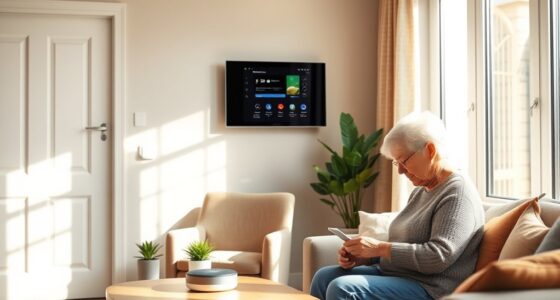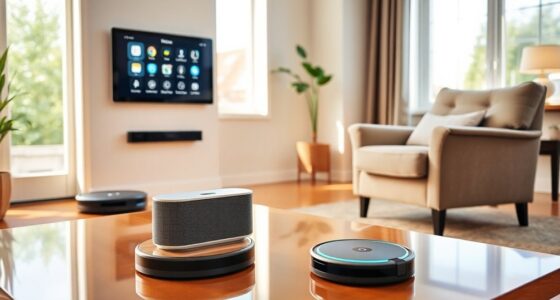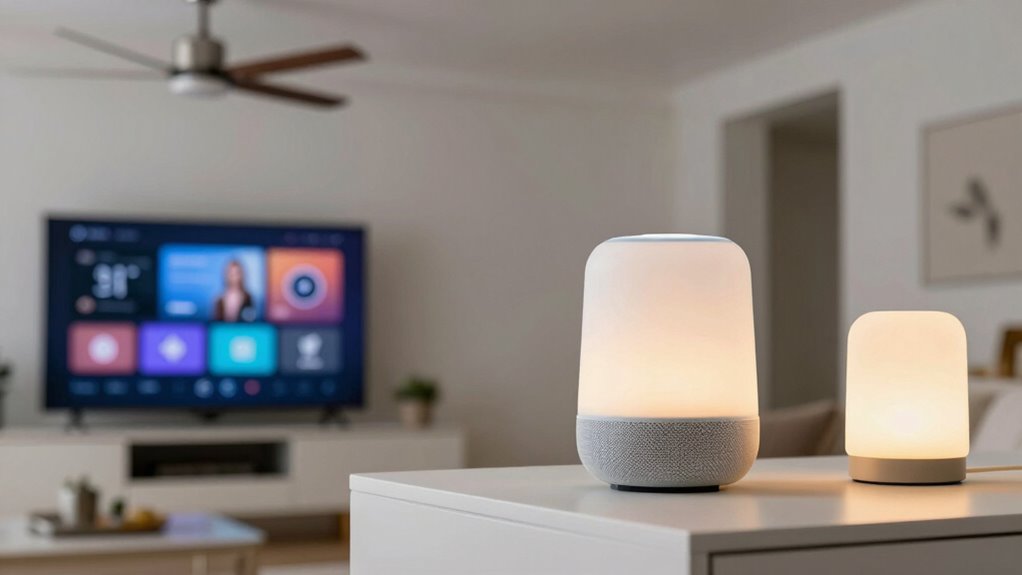

To set up voice commands for your lamps, fans, and TVs, first verify your devices are compatible with your chosen smart home platform and properly connected to your Wi-Fi or hub. Use the device’s app to label each device clearly and link them to your voice assistant (Alexa, Google, or Siri). Customize commands or routines for easier control. If you keep exploring, you’ll discover simple tips to improve recognition and troubleshoot common issues.
Key Takeaways
- Ensure your smart lamps, fans, and TVs are compatible with your chosen voice assistant platform.
- Connect devices to your Wi-Fi network and update their firmware for optimal performance.
- Use the device’s app or voice assistant settings to assign clear, unique names for easy voice recognition.
- Create routines or custom commands for multiple devices to activate with a single voice instruction.
- Test voice commands and adjust microphone placement or device settings to improve recognition accuracy.
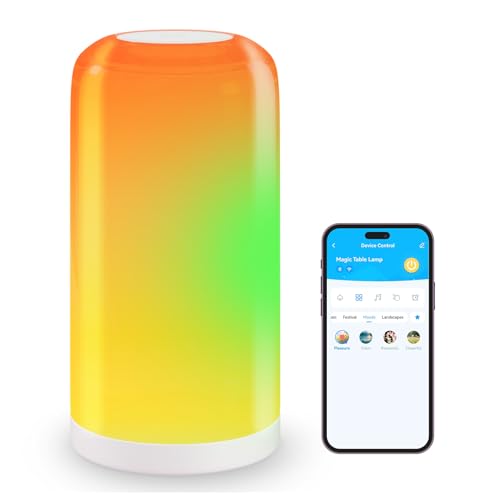
DAYBETTER BGRIC Smart Bedside Lamps, Touch Lamps for Nightstand, LED Lamp Compatible with Alexa and Google Home, Color Changing Lamp for Bedroom Living Room,70+ Scene Mode (Only for 2.4GHz WiFi)
- Voice Control Compatibility: Works with Alexa and Google Assistant
- App Control Features: On/off, dimming, color temperature, scheduling
- Color Options: 16 million RGB colors and adjustable white light
As an affiliate, we earn on qualifying purchases.
As an affiliate, we earn on qualifying purchases.
How Do Voice Commands Control Your Smart Devices?

Voice commands work by sending your spoken instructions to a smart device’s voice recognition system, which then interprets your words and translates them into actions. The success of this process depends on voice command accuracy, ensuring your device understands you correctly. When you speak clearly and use specific phrases, your commands are more likely to be executed accurately. Smart device integration plays a vital role, as the system connects your voice assistant with your lamps, fans, and TVs seamlessly. When your devices are properly integrated, issuing a command like “turn on the living room lamp” results in instant action. This smooth communication makes controlling your smart home intuitive, reliable, and efficient, giving you the convenience of managing multiple devices with simple voice instructions. Additionally, understanding the compatibility of your devices with various voice platforms can improve overall performance and user experience. Proper device setup and ensuring your devices are compatible can significantly enhance the responsiveness of your voice commands. Recognizing the differences in voice recognition capabilities between platforms can also help tailor your commands for better accuracy. Incorporating fireproof storage for your smart device accessories or related documentation can further protect your setup and ensure consistent operation. Moreover, being aware of the security features of your voice system can help protect your smart home from unauthorized access.
How to Choose the Best Smart Home Platform for Voice Control
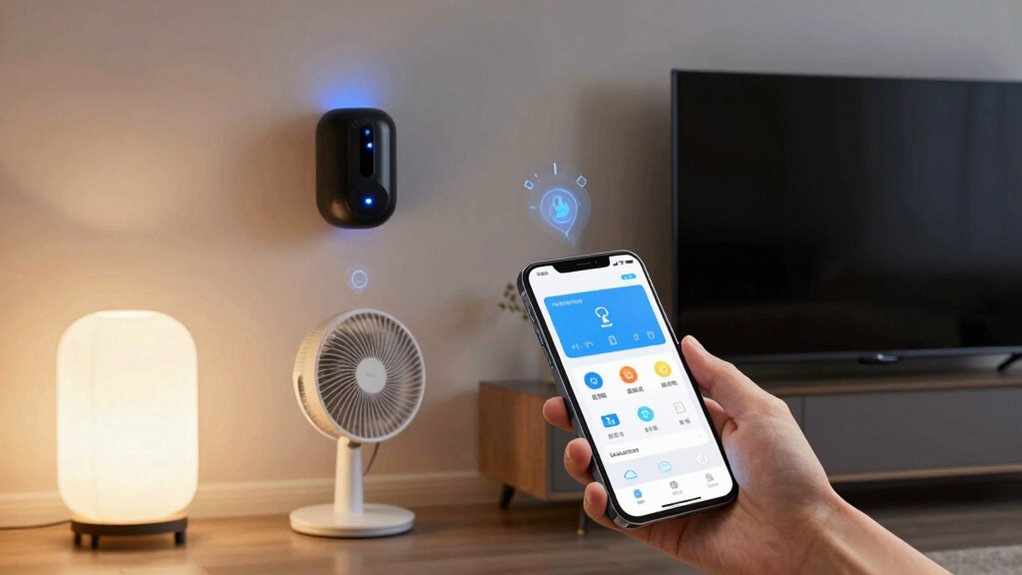
Choosing the right smart home platform can markedly enhance your voice control experience. You want a platform that seamlessly integrates your devices, guaranteeing smooth control of lamps, fans, and TVs. Consider how it handles smart home security, offering reliable monitoring and alerts to keep your home safe. Energy management features are equally important, helping you optimize energy use and lower costs. Compatibility is key—you need a system that works with your existing smart devices and supports voice assistants like Alexa, Google Assistant, or Apple Siri. User-friendly interfaces and strong privacy protections also matter, so your data stays secure. By evaluating these factors, you guarantee your smart home platform aligns with your needs, making voice commands more effective and your living space smarter. Additionally, look for platforms that support local automation to ensure your devices respond quickly and reliably without relying solely on cloud services. Incorporating interoperability can further streamline your smart home experience, allowing devices from different brands to work together effortlessly. Furthermore, consider how well the platform manages device setup to simplify the initial configuration process. A robust platform should also offer reliable connectivity to prevent lag or disconnections during your voice commands. Incorporating robust connectivity options can help ensure your system remains stable even during network fluctuations.
Set Up Voice Control for Your Lamps, Fans, and TVs
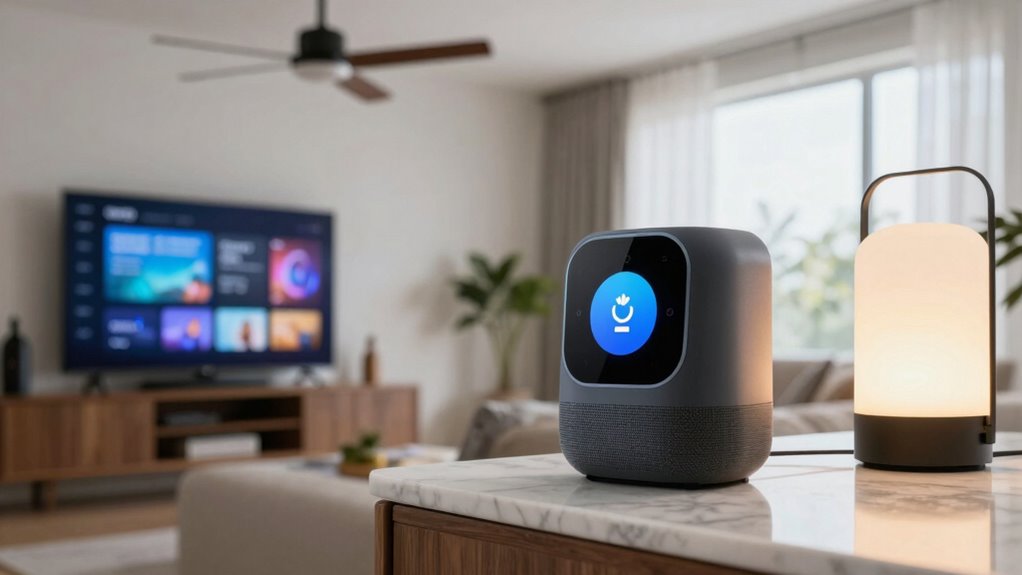
To set up voice control for your lamps, fans, and TVs, you need compatible devices that work with your chosen smart home platform. Once you have the right devices, you can easily configure voice commands through the app or voice assistant settings. This process guarantees you can control your devices effortlessly with simple voice prompts. Additionally, ensuring your devices have proper privacy and security measures helps protect your smart home from potential threats. Incorporating smart device compatibility considerations during setup can further streamline your experience and prevent connectivity issues. Understanding the future of smart economies can also help you select devices that are more adaptable to evolving technologies. Being aware of digital content formats can assist in integrating your smart devices seamlessly with other digital platforms for a more connected experience. Moreover, considering work-life harmony when choosing compatible devices can enhance your overall digital environment and reduce stress.
Compatible Devices Needed
Before you can control your lamps, fans, and TVs with voice commands, you’ll need to verify your devices are compatible with your chosen smart home platform. Device compatibility is vital for seamless operation, so check if your appliances support the specific smart features or are compatible with your voice assistant. Meeting setup prerequisites, like having the right hubs or Wi-Fi connections, is also essential. Some devices may require specific apps or firmware updates to work correctly. If your current devices aren’t compatible, consider upgrading to smart versions or adding compatible smart plugs and controllers. Confirming compatibility beforehand saves time and prevents frustration during setup, helping you create a smooth, integrated voice-controlled environment. Additionally, understanding the technical specifications of your devices, such as resolution and connectivity options, ensures they will work well within your setup. Recognizing the importance of Device compatibility can help you select products that integrate seamlessly with your existing smart home ecosystem. Ensuring your devices meet compatibility standards can further facilitate a trouble-free setup process. Being aware of connectivity options like Wi-Fi, Zigbee, or Z-Wave can also influence your device selection and overall system performance.
Setting Up Voice Commands
Once you’ve confirmed your devices are compatible, it’s time to set up voice control so you can manage your lamps, fans, and TVs effortlessly. Start by connecting your devices to your smart home hub or voice assistant app. Follow the app’s prompts to link each device, guaranteeing you name them clearly for easy commands. Remember to practice proper voice command etiquette—speak clearly and politely. Be mindful of privacy considerations; limit voice recognition to trusted environments and review your privacy settings regularly. To keep you engaged, here’s a quick comparison:
| Aspect | Details |
|---|---|
| Voice command etiquette | Use clear, polite commands for best results |
| Privacy considerations | Adjust settings to protect your data |
| Device naming | Use simple, specific names |
| Troubleshooting | Check connections if commands aren’t recognized |
This setup guarantees smooth, respectful voice control.
Personalize Voice Commands for Greater Convenience

You can make voice commands more convenient by creating custom phrases that feel natural to you. Assigning unique voice profiles guarantees your devices respond accurately, even with multiple users. Additionally, setting up personalized routines helps control several devices with a single command, saving you time and effort.
Custom Command Phrases
Personalizing your voice command phrases can make controlling your lamps, fans, and TVs more intuitive and convenient. Voice command customization lets you choose phrases that feel natural and easy to remember. To guarantee smooth operation, keep your commands consistent—using the same words each time helps prevent confusion. When creating custom phrases, avoid overly complex or similar-sounding commands that could cause misinterpretation. Instead, opt for clear, straightforward instructions like “Turn on the living room lamp” or “Fan on high.” This consistency helps your voice assistant recognize commands accurately and respond quickly. Incorporating smart home integration with your custom commands can further enhance your control and efficiency. By customizing your phrases thoughtfully, you’ll enjoy a more seamless and personalized smart home experience, making device control effortless and tailored to your preferences. Additionally, understanding the importance of consistent commands ensures your voice assistant can better interpret your instructions, leading to fewer errors and a smoother experience. Establishing standardized phrases can also help streamline your interactions and reduce the chance of miscommunication. Moreover, paying attention to voice command clarity can significantly improve the accuracy of your device responses. Incorporating proper pronunciation can further improve the recognition accuracy of your voice commands.
Assign Unique Voice Profiles
Assigning unique voice profiles allows your smart home system to distinguish between different users, making voice recognition more accurate and personalized. By creating individual profiles, you reduce errors and improve command precision. However, consider privacy concerns, as storing voice data may raise security issues. To help you visualize, here’s a simple breakdown:
| Benefit | Consideration |
|---|---|
| Accurate personalization | Privacy concerns with data storage |
| Better voice recognition | Risk of voice profile misuse |
| Customized commands | Need for regular profile updates |
A style comparison of voice profiles can help you understand the differences in recognition accuracy and privacy implications.
Create Personalized Routines
Creating personalized routines enables your smart home to respond seamlessly to your voice commands, enhancing convenience and efficiency. With voice command customization, you can set up specific routines that trigger multiple actions with a single command. For example, you might create a “Good Morning” routine that turns on the lamps, adjusts the fan speed, and turns on the TV. Routine automation allows you to tailor these sequences to fit your daily habits, saving you time and effort. By designing routines that reflect your routine, you guarantee your smart devices work together harmoniously. This customization makes controlling lamps, fans, and TVs more intuitive, giving you a smarter, more responsive home environment.
Fix Common Voice Control Problems
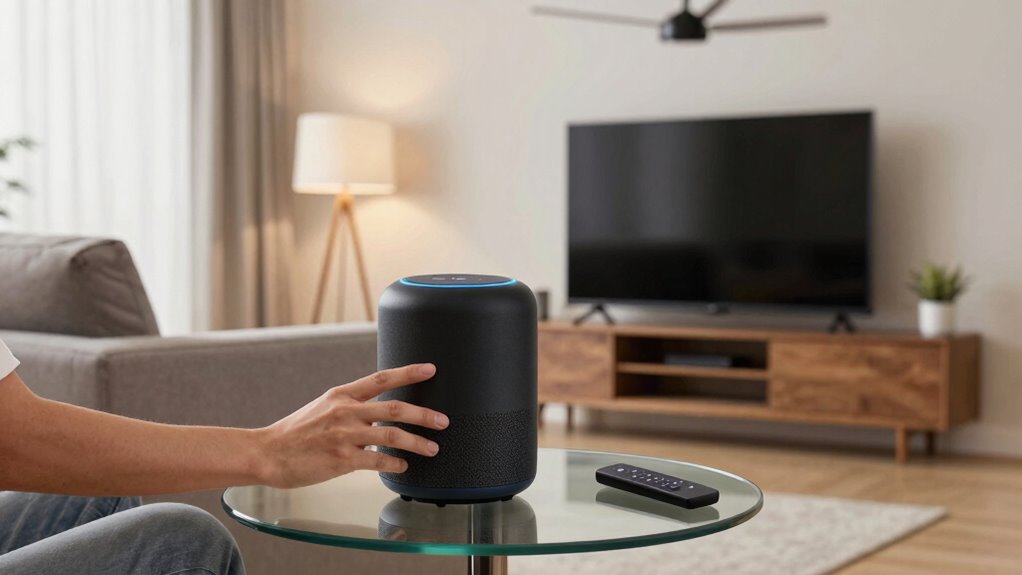
When voice control problems occur, troubleshooting becomes essential to restore smooth operation. Sometimes, voice command privacy settings might block your commands, or microphone issues hinder recognition. First, check if your device’s microphone is working properly—test it with other apps or restart the device. If your voice commands aren’t recognized, review privacy settings to guarantee microphone access is enabled. Clear any background noise that could interfere with recognition. Use the table below to identify your frustration points and find quick solutions:
| Issue | Solution |
|---|---|
| Microphone not responding | Restart device, check microphone permissions |
| Voice commands ignored | Improve voice command clarity, reduce noise |
| Privacy restrictions | Adjust voice command privacy settings |
| Recognition errors | Re-train voice profile if possible |
| Device not responding | Reset device or update firmware |
Tips to Improve Voice Recognition and Reliability
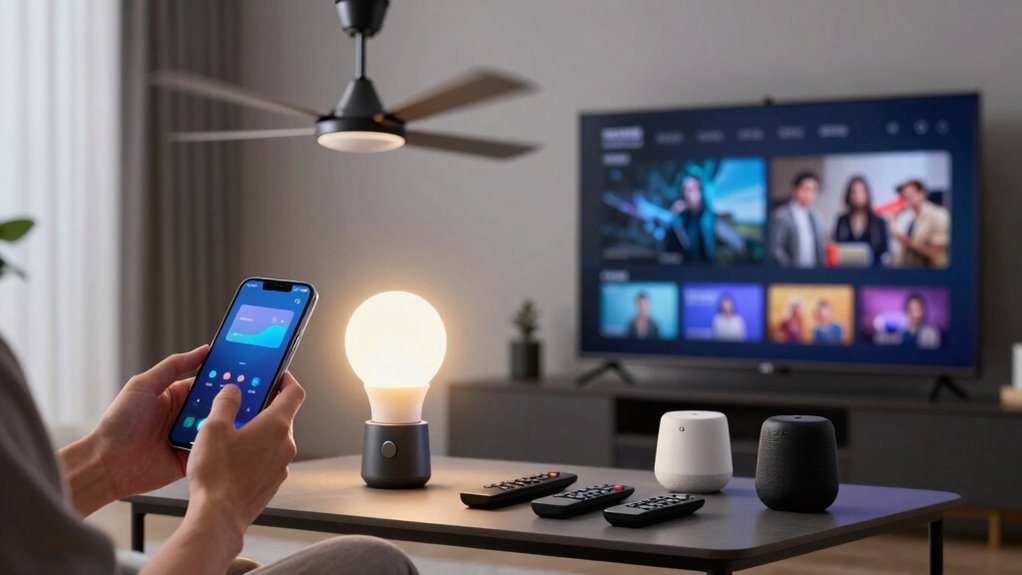
To improve voice recognition and reliability, you should start by speaking clearly and at a steady pace, ensuring your commands are easy to understand. Voice command limitations can cause misinterpretations, so keep your speech simple and avoid background noise. Use specific phrases rather than vague instructions to help your device recognize commands accurately. Be mindful of privacy concerns, as voice assistants often record and store your commands; adjust privacy settings accordingly. Regularly update your device’s software to benefit from improvements in voice processing. Position your microphone properly, and avoid speaking too quickly or softly. These tips help reduce errors, enhance recognition, and address potential privacy issues, making your smart home experience smoother and more secure.
Frequently Asked Questions
Can Voice Commands Control Multiple Devices Simultaneously?
Yes, voice commands can control multiple devices simultaneously through multi-device synchronization. You can say a single command like “Turn off all lights and fans,” and your smart system will manage each device accordingly. However, be aware of voice command limitations—some systems may not support complex multi-device controls or may require specific setup steps. To optimize, make certain your devices are compatible and properly integrated into your smart home ecosystem.
Are There Privacy Concerns With Using Voice-Controlled Smart Devices?
Yes, there are privacy concerns with using voice-controlled smart devices. When you use these devices, your voice data is often stored and processed in the cloud, which can lead to potential privacy risks. To protect yourself, make certain you enable privacy settings on your device and look for data encryption features. Regularly review permissions and be cautious about sharing sensitive information through voice commands.
How Secure Are Voice-Controlled Smart Home Systems?
Your smart home system is more secure than Fort Knox, thanks to advanced voice encryption and encrypted data storage. These features protect your voice commands from hackers, ensuring your privacy stays intact. While no system is completely foolproof, manufacturers continuously update security protocols to keep your devices safe. You can confidently enjoy voice control, knowing that your data is safeguarded against unauthorized access and eavesdropping.
Can Voice Commands Be Customized for Different Household Members?
Yes, you can customize voice commands for different household members. Many smart home systems offer personalization options that recognize individual voices, enhancing voice recognition accuracy. By setting up voice profiles, you guarantee each person’s commands are uniquely identified, preventing other users from controlling devices unintentionally. This personalization creates a seamless experience, allowing everyone to manage lamps, fans, and TVs effortlessly, tailored to their preferences and voice recognition capabilities.
Do Voice Commands Work Offline or Require Internet Connectivity?
Voice commands typically require an internet connection to function properly, as most smart devices rely on cloud services for processing. Offline functionality is limited, meaning your commands might not work without connectivity. Keep in mind, using voice commands offline can enhance privacy, reducing data sharing with cloud servers. However, for full features and updates, an internet connection is usually necessary, balancing convenience and privacy implications.
Conclusion
With a little setup and some savvy strategies, you’ll swiftly master smart device commands, making your home more helpful and harmonious. By choosing the best platform, personalizing your preferences, and troubleshooting tips, you’ll transform your space into a seamless sanctuary. Stay patient, persistent, and proactive—your perfect voice-activated haven is within reach. Remember, consistent care creates comfort, and smart solutions will serve, simplify, and soothe your space with stunning success.