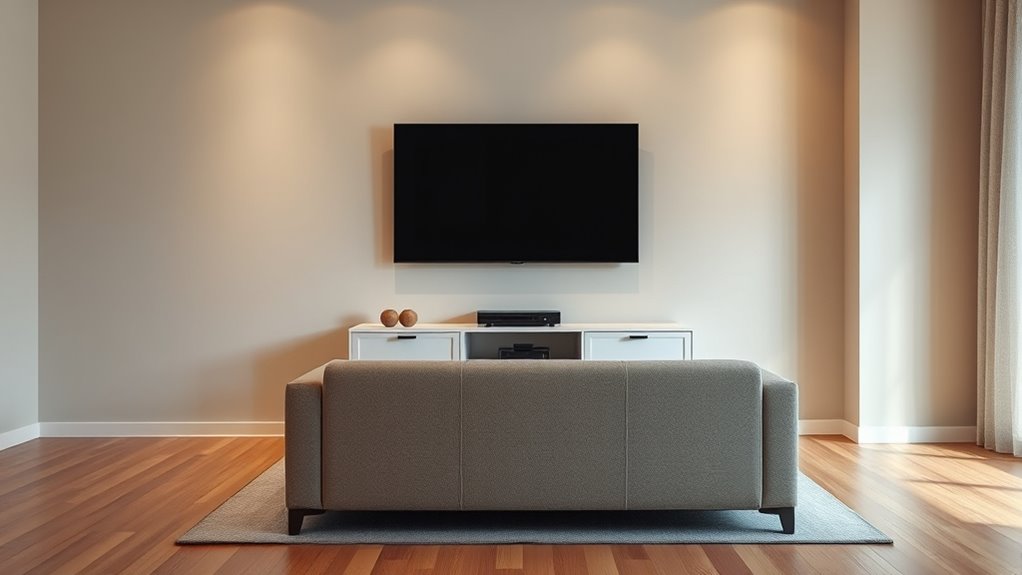

To guarantee safe TV placement and comfortable viewing distances, pick a spot that minimizes glare and allows easy cable access. Mount your TV so the center is about 42 inches from the floor and at eye level when seated. The ideal distance for viewing is roughly 1.5 to 2.5 times your screen size, depending on resolution. Proper lighting, posture, and regular setup checks also matter. Keep exploring to learn how to optimize your setup for safety and comfort.

Turn quiet afternoons into listening time
- Thousands of audiobooks, podcasts and originals
- Listen on your phone, tablet or Echo — also offline
- Cancel anytime
Key Takeaways
- Mount the TV at eye level, approximately 42 inches from the floor, to prevent neck strain and ensure comfortable viewing.
- Calculate optimal viewing distance as 1.5 to 2.5 times the screen size in inches, adjusting for resolution for clarity and comfort.
- Secure the TV mount to studs or anchors for safety, and use proper cable management to prevent tripping hazards and clutter.
- Position the TV away from windows and bright lights to minimize glare, and use ambient lighting to reduce eye strain.
- Regularly reassess your setup for ergonomic comfort, proper height, and safety to maintain a healthy and safe viewing environment.
TV wall mount bracket for 55 inch TV
As an affiliate, we earn on qualifying purchases.
As an affiliate, we earn on qualifying purchases.
Choosing the Right Spot for Your TV

Finding the ideal spot for your TV is essential to enjoying your viewing experience. Start by considering mounting options that suit your space and aesthetic. Wall mounting can save space and provide a clean look, but guarantee the mount supports your TV’s size and weight. Also, think about sound system placement; positioning speakers correctly enhances audio quality and immerses you in the content. Keep the TV at a comfortable viewing distance from seating, and avoid placing it near windows or bright lights that cause glare. Make certain the spot is accessible for cable management and future adjustments. By choosing a strategic location that balances mounting options and sound system placement, you’ll create an ideal setup that elevates your entertainment experience. Additionally, ensuring your TV placement adheres to recommended viewing distances can help prevent eye strain and provide a more comfortable viewing experience.
Determining the Ideal Viewing Height

Choosing the right viewing height is essential for a comfortable and immersive watching experience. Your mounting height should align with your seating arrangement so the TV screen is at eye level when seated. Ideally, the center of the screen should be approximately 42 inches from the floor for most viewers, but this depends on your height and sofa or chair height. If you mount the TV too high or low, it can cause neck strain and reduce viewing comfort. Measure your seating positions first, then determine the appropriate mounting height to keep the screen at eye level. This ensures a natural viewing angle, minimizes glare, and enhances your overall experience. Proper positioning makes watching more relaxing and prevents discomfort during extended viewing sessions. To find the best setup, consider eye level when planning your TV placement, ensuring a comfortable and safe viewing experience.
Calculating Safe Viewing Distance Based on Screen Size
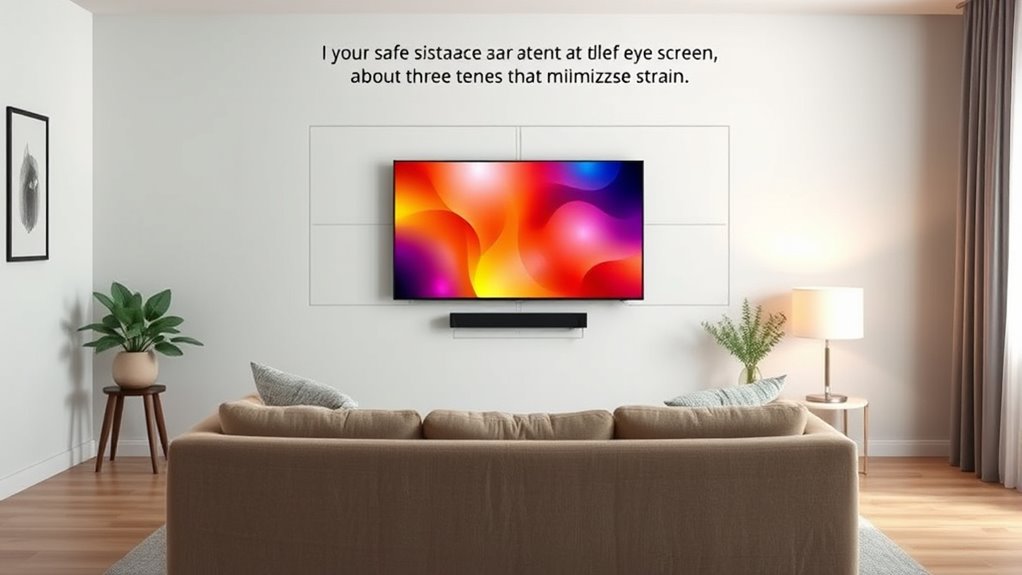
To make certain you watch comfortably, it’s important to calculate the right distance based on your TV’s screen size. Keeping the ideal viewing angles in mind helps prevent eye strain and enhances your experience. By doing so, you’ll find a safe distance that balances immersion with comfort. For a more immersive experience, consider the layout of your bedroom to optimize viewing angles and furnishing placement.
Screen Size and Distance
Determining the most suitable viewing distance starts with understanding your screen size. Larger screens require you to sit farther back to prevent eye strain and maintain a comfortable viewing experience. To calculate this distance, consider the screen resolution; higher resolutions like 4K allow you to sit closer without losing image clarity. The refresh rate also plays a role, especially for fast-moving content, by providing smoother visuals that reduce eye fatigue at closer distances. A good rule of thumb is to multiply the screen size in inches by 1.5 to 2.5, giving a range of safe viewing distances. This ensures you enjoy ideal picture quality without straining your eyes or compromising safety. Adjust based on your room layout and personal comfort for the best viewing experience. Remember to consider screen size and distance as a key factor in creating a safe and comfortable viewing environment.
Optimal Viewing Angles
Calculating the ideal viewing angle is essential to guarantee a comfortable and immersive TV experience. An optimal angle typically falls between 30 and 40 degrees, ensuring you can see the entire screen without straining your neck or eyes. To achieve this, position your seating so that your eyes are level with the middle of the screen, promoting ergonomic seating. Proper placement also minimizes screen glare, which can cause discomfort and reduce picture clarity. Adjust the distance based on your screen size, ensuring the viewing angle stays within the recommended range. This approach helps prevent eye strain and neck fatigue while enhancing your overall viewing comfort. Additionally, considering color accuracy and contrast ratio can significantly improve your viewing experience by providing clearer, more vibrant images. By considering ergonomic seating and optimal angles, you create a safer, more enjoyable TV environment.
Avoiding Eye Strain
Maintaining the right distance from your TV screen helps prevent eye strain and discomfort during extended viewing sessions. When you’re too close, your eyes work harder to focus, increasing exposure to blue light, which can cause fatigue and disrupt sleep. To reduce eye strain, confirm you’re sitting at a distance that matches your screen size—generally about 1.5 to 2.5 times the diagonal measurement. Incorporate eye exercises, like blinking regularly and focusing on distant objects, to give your eyes a break. Limiting blue light exposure, especially in the evening, also helps prevent strain and sleep disruption. Additionally, understanding appropriate screen time guidelines can help maintain eye health over the long term. Adjusting your viewing distance and practicing simple eye exercises can make your TV time more comfortable and healthier for your eyes.
Factors That Affect Viewing Comfort and Safety
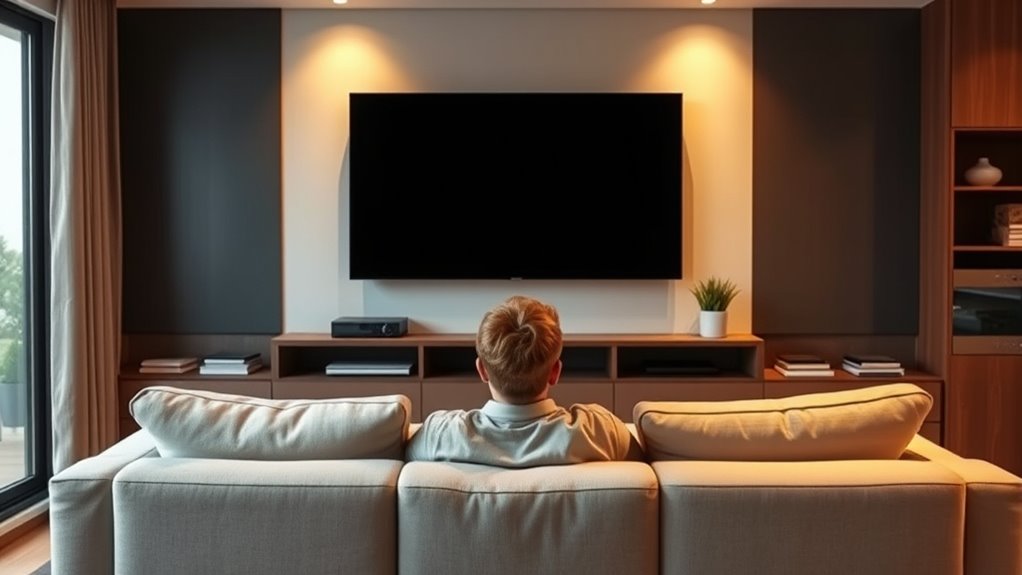
Several factors influence how comfortable and safe your TV viewing experience is, including screen size, viewing distance, and lighting conditions. Your TV’s screen resolution plays a vital role; higher resolution offers clearer images, reducing eye strain. Poor audio quality can cause you to increase volume excessively, leading to discomfort or hearing issues. Proper lighting minimizes glare and reflections, making viewing easier on your eyes. Additionally, maintaining an ideal viewing distance prevents eye fatigue and neck strain. The use of appropriate screen size can also impact overall comfort, as larger screens may require more distance for comfortable viewing. Bright or dim environments can also impact your comfort, making it harder to focus or causing eye discomfort. By considering these factors—resolution, audio, lighting, and distance—you guarantee a safer, more enjoyable viewing experience that minimizes physical strain and enhances visual clarity.
Tips for Proper Cable and Mounting Placement
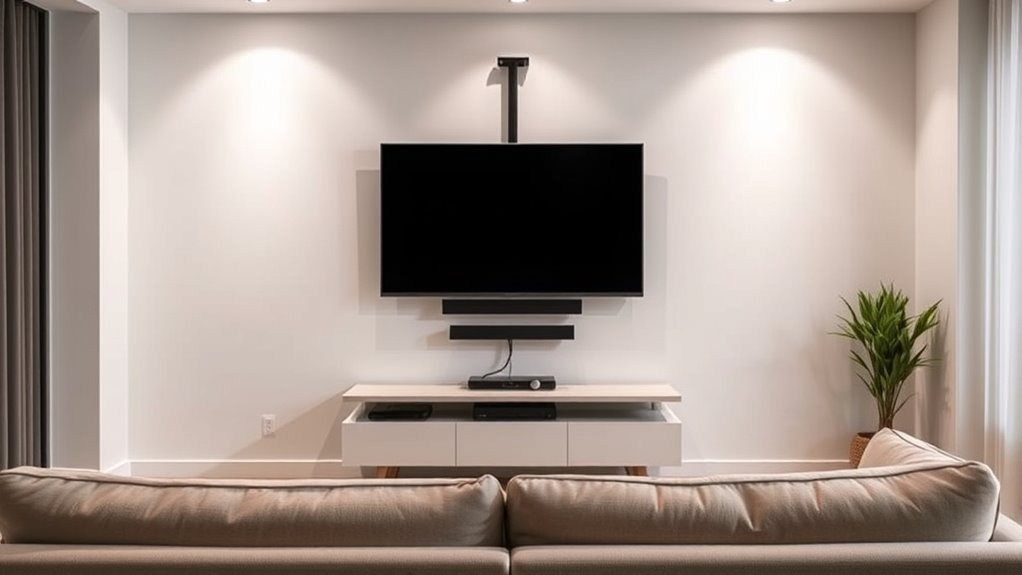
Proper cable management and mounting placement substantially enhance your viewing experience by preventing clutter and reducing hazards. Use cable clips or sleeves to organize cords neatly along walls or furniture, avoiding tangles that could cause tripping or damage. When wall mounting your TV, ensure it’s securely fastened to studs or appropriate anchors to prevent accidents. Keep cables away from heat sources and high-traffic areas to maintain safety. Use a level to position the mount accurately, ensuring the screen is straight and at the ideal height for comfortable viewing. Conceal cables behind the wall if possible, for a clean look. Regularly check connections and mounts to guarantee stability. Proper cable management and wall mounting improve safety, aesthetics, and overall viewing comfort. Using the right tools can make installation easier and more secure.
Adjusting Screen Brightness and Contrast for Eye Comfort
You can improve your viewing comfort by setting your TV’s brightness and contrast to ideal levels. Adjusting these settings helps reduce eye strain during long viewing sessions. Finding the right balance can make your screen easier on your eyes without sacrificing picture quality. Utilizing auto functionality features can also help maintain optimal display settings based on ambient lighting conditions.
Optimal Brightness Settings
Adjusting your TV’s brightness and contrast settings is essential for comfortable viewing and reducing eye strain. Proper screen calibration guarantees that images aren’t too bright or too dim, helping your eyes relax during long sessions. Set your brightness to match your room’s ambient lighting to minimize glare and prevent eye fatigue. Use the contrast setting to enhance picture depth without overexposing details. When done correctly, your screen will feel natural and easier to view over extended periods. Here’s a quick emotional guide to help you find the right balance:
| Brightness Level | Emotional Impact |
|---|---|
| Too high | Eyes strain, discomfort |
| Too low | Dull images, eye fatigue |
| Just right | Comfort, clear visuals |
| Optimal | Relaxed, enjoyable viewing |
Additionally, regular calibration can help maintain AI safety standards in digital devices, ensuring consistent performance and visual comfort.
Contrast for Reduced Eye Strain
Since contrast settings directly affect how vivid and detailed images appear on your screen, tweaking them can considerably reduce eye strain during long viewing sessions. Proper contrast for reduced eye strain helps your eyes adjust more easily to the onscreen content, minimizing fatigue. To optimize your contrast and color calibration:
- Adjust contrast levels so dark areas aren’t overly harsh or washed out.
- Use a test pattern to ensure colors are balanced, aiding comfortable viewing.
- Regularly calibrate your display to maintain consistent contrast and color accuracy.
Balancing contrast and color calibration creates a more comfortable viewing environment. When your screen isn’t too bright or too dull, your eyes won’t strain as much, especially during extended use. Proper contrast settings are essential for reducing eye fatigue and enhancing overall visual comfort.
The Importance of Proper Lighting Around Your TV
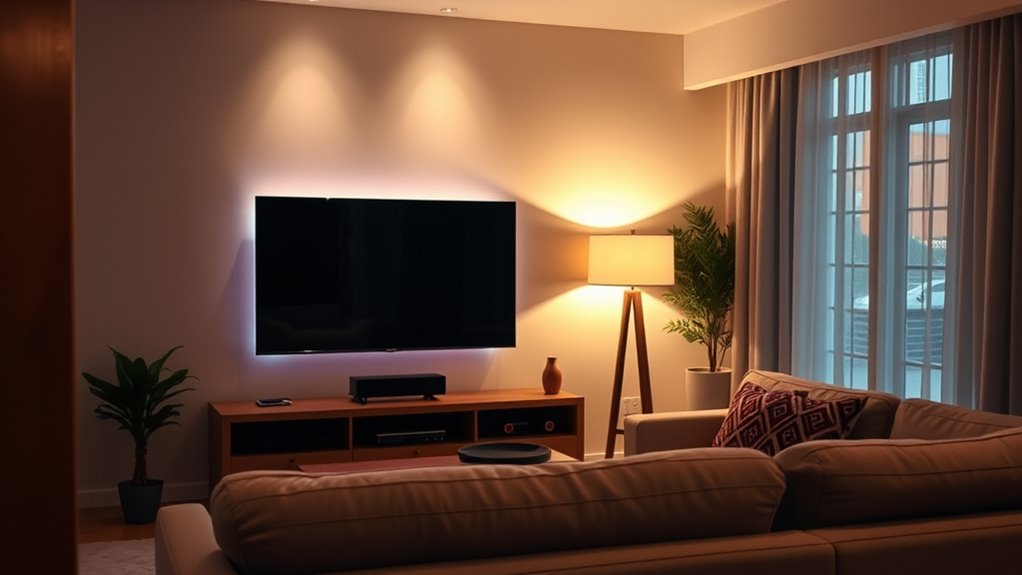
Proper lighting around your TV is essential for creating a comfortable viewing environment and reducing eye strain. Ambient lighting helps balance the brightness in the room, preventing your eyes from constantly adjusting between a bright screen and a dark room. Using soft, indirect light minimizes glare, which can cause discomfort and reduce picture clarity. Avoid harsh overhead lights or placing lamps directly behind or beside your TV, as this increases reflections and glare. Instead, opt for dimmable lights or lamps that provide gentle illumination. Proper ambient lighting guarantees your eyes don’t work harder to focus, making your viewing experience more comfortable and enjoyable. Remember, the goal is to create a balanced light environment that supports your eyes during long viewing sessions.
Recognizing Signs of Eye Strain and Discomfort
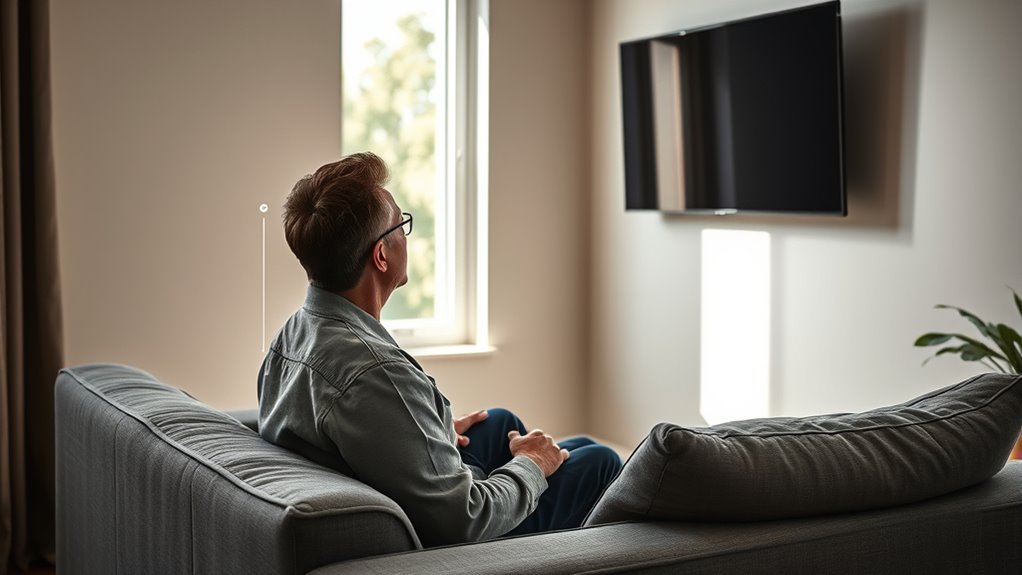
You might notice your eyes feeling tired, dry, or irritated after watching TV for a while. These signs indicate eye strain and suggest it’s time to adjust your viewing habits. Recognizing these symptoms helps you take preventive steps to protect your vision.
Symptoms of Eye Strain
Eye strain often sneaks up on you after long periods of screen time, making it hard to focus or causing discomfort. Common signs include:
- Increased eye fatigue, feeling tired or heavy after viewing.
- Dryness or irritation, often from reduced blinking.
- Blurred vision, especially after extended watching sessions.
You might also notice headaches or sensitivity to light, which are linked to prolonged exposure to blue light emitted from screens. These symptoms indicate your eyes are working harder than they should, leading to discomfort. Recognizing these signs early helps you take steps to reduce eye strain. If you experience these symptoms regularly, it’s a good idea to adjust your viewing habits or screen settings to protect your eyes and maintain comfortable, strain-free viewing.
Preventive Viewing Habits
Recognizing the signs of eye strain and discomfort early can help prevent long-term vision problems. Pay attention to blurry vision, headaches, or dry eyes after watching TV. To adopt preventive viewing habits, guarantee your screen resolution is clear and sharp, reducing the need to squint or strain your eyes. Adjust your TV’s audio quality so you don’t have to increase volume excessively, which can cause additional discomfort. Maintain proper lighting in your room to minimize glare and reflections, and keep a comfortable distance from the screen. Take regular breaks—every 20 minutes, look away for about 20 seconds. These habits protect your eyes from unnecessary strain and promote healthier, more comfortable viewing experiences.
Maintaining Good Posture While Watching TV
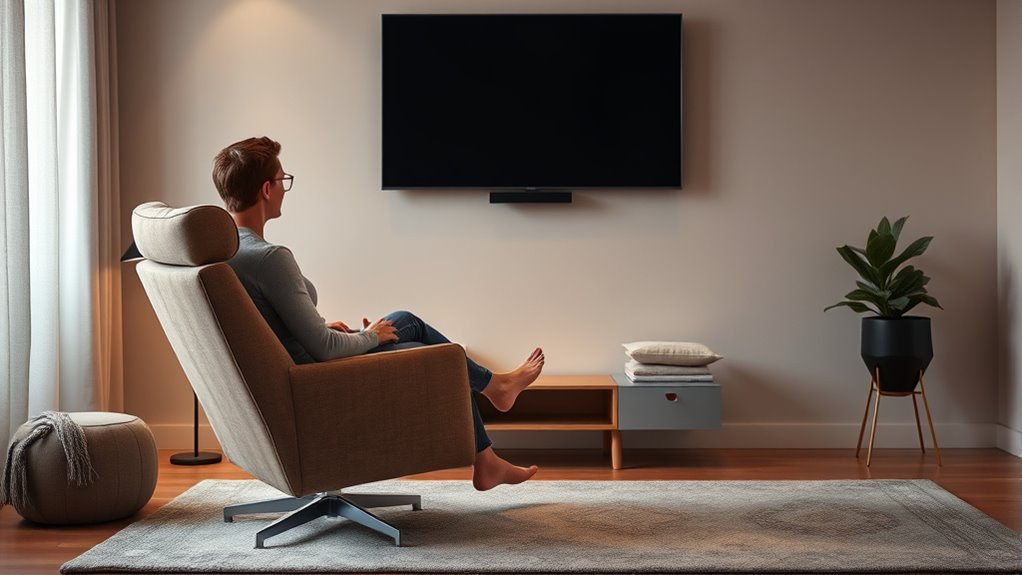
Maintaining good posture while watching TV is essential to prevent discomfort and long-term health issues. Proper posture supports your back, neck, and shoulders, reducing strain during extended viewing. To achieve this, focus on these key points:
- Use ergonomic seating that promotes lumbar support and keeps your feet flat on the floor.
- Position your TV at eye level to minimize neck strain, considering principles of visual ergonomics.
- Sit at a comfortable distance that allows you to view the screen clearly without leaning forward or straining your eyes.
Regularly Reassessing Your TV Setup for Safety

Regularly reassessing your TV setup guarantees your viewing environment remains safe and comfortable. Over time, factors like TV mounting height or remote ergonomics can shift, causing discomfort or safety hazards. Check if your TV is securely mounted and at the proper eye level to prevent neck strain. Ensure your remote is easy to reach and use without awkward stretching. Adjustments might be needed as your space or needs change. Use the table below as a quick reference:
| Aspect | Tips |
|---|---|
| TV Mounting | Securely mount at eye level, avoid tilt or sagging |
| Remote Ergonomics | Keep remote within easy reach, use ergonomic grip |
| Viewing Distance | Maintain recommended distance for safety and comfort |
| Lighting | Avoid glare, use appropriate ambient lighting |
| Regular Checks | Reassess setup every few months for safety |
Frequently Asked Questions
How Often Should I Replace My TV for Safety Reasons?
You should replace your TV every 7-10 years for safety reasons. Regular TV maintenance, like checking for frayed cords or overheating, helps prolong its lifespan. Follow a consistent replacement schedule to prevent electrical hazards or picture quality issues. If you notice flickering, strange noises, or damage, replace it sooner. Staying on top of your TV’s condition guarantees safe viewing and maintains your home’s safety.
Are There Specific Materials to Avoid When Mounting a TV?
Think of mounting your TV like building a sturdy fortress—avoid materials that could weaken your defenses. Steer clear of flammable or non-fire-resistant surfaces and mounting materials that aren’t rated for safety. Use fire-resistant surfaces and appropriate mounting hardware to keep your digital sanctuary secure. Don’t cut corners with cheap or unsuitable materials; they’re like weak links in your safety chain. Prioritize safety to enjoy your TV worry-free.
Can Certain Wall Colors Affect TV Viewing Comfort?
Yes, certain wall colors can affect your viewing comfort. Bright or highly saturated colors might cause glare or strain your eyes during long viewing sessions. Neutral or matte shades are better choices because they reduce reflections and minimize distractions. When selecting a wall color, consider how it interacts with your TV’s screen brightness and contrast. A calm, muted tone helps create a comfortable environment, making your viewing experience more enjoyable.
What Are the Safety Considerations for Outdoor TV Setups?
When setting up your outdoor TV, prioritize weatherproofing considerations to protect it from rain, humidity, and sun damage. make certain you use outdoor-rated power supplies and outlets to prevent electrical hazards. Keep the TV away from direct water exposure and secure all cables properly. Regularly inspect for weather-related wear, and consider installing a protective cover when not in use. These steps help ensure your outdoor viewing remains safe and enjoyable.
How Do I Ensure Kids View the TV Safely?
Think of your kids as delicate flowers needing careful tending. To keep them safe, you should childproof mount the TV securely and adjust the viewing angle for their height. Make sure the TV is out of reach and at eye level to prevent accidents. Regularly check the mount’s stability, and encourage them to sit at a safe distance. This way, your little ones can enjoy screen time without harm.
Conclusion
By following these tips, you can enjoy your TV comfortably and safely. Are you making the most of your viewing space to prevent eye strain and promote good posture? Remember, small adjustments in placement, lighting, and distance can make a big difference. Stay mindful of your setup, reassess regularly, and turn your TV time into a safe and enjoyable experience. Why not create the perfect viewing environment today?
Cold & flu season Picks
humidifiers
As an affiliate, we earn on qualifying purchases.